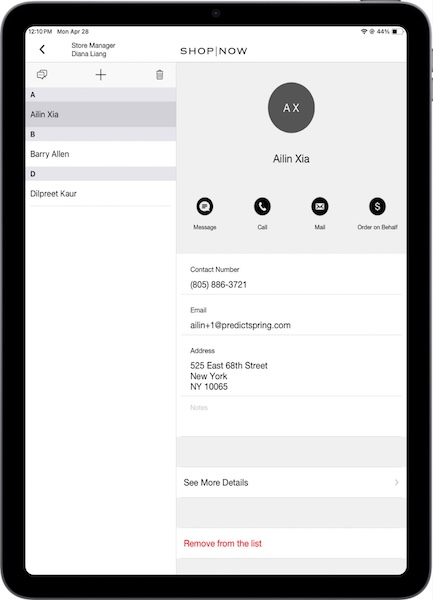
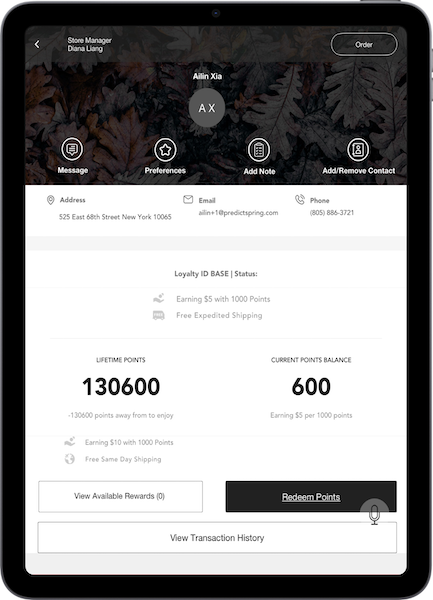
Add or remove customers from the Point of Sale black book with either the main black book screen or the customer’s profile.

Important
Before you can add a customer to a black book, the customer needs to have a profile in the POS app.
Add Customers
To add customers using the black book screen:
- Tap the in the app.
- Select a black book.
- Tap the . This action takes you to the customer search screen. There, you can search for a customer.
- After you have found a customer, tap on their name to add them to the black book.
- To delete a customer from a black book, tap on their name in a black book.
-
Scroll to the bottom and tap .