
Control store associate actions with manager overrides in the Point of Sale (POS) app.
View examples of how to use roles and permissions in the POS app.
Manager Override on the POS App
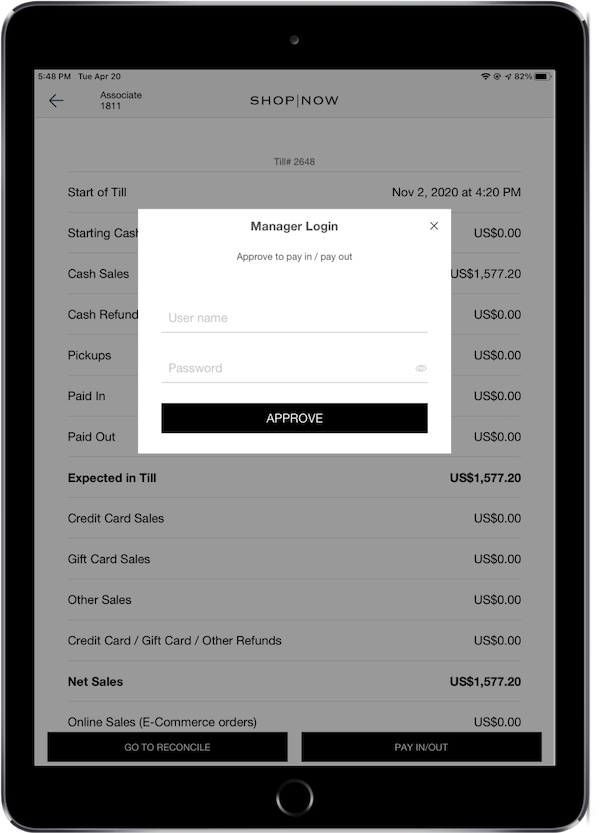
For features that require 'Manager Override', Store Managers and Area Managers enter their credentials to approve the associate's action.
Configuration on Permission - No Sale
You can turn on/off the manager's override for No Sale. If the manager's approval is turned on, the associate will be able to use the No Sale feature with the manager's override.
- Go to
- Turn on or turn off the setting to require manager approval for no sale'.
- Click .