Quiz analytics and insights provide performance data in Point of Sale CMS. Access
responses to quiz questions and text responses to gain valuable insights. Analyze results to
understand user engagement and improve content.
Access Quiz Analytics:
-
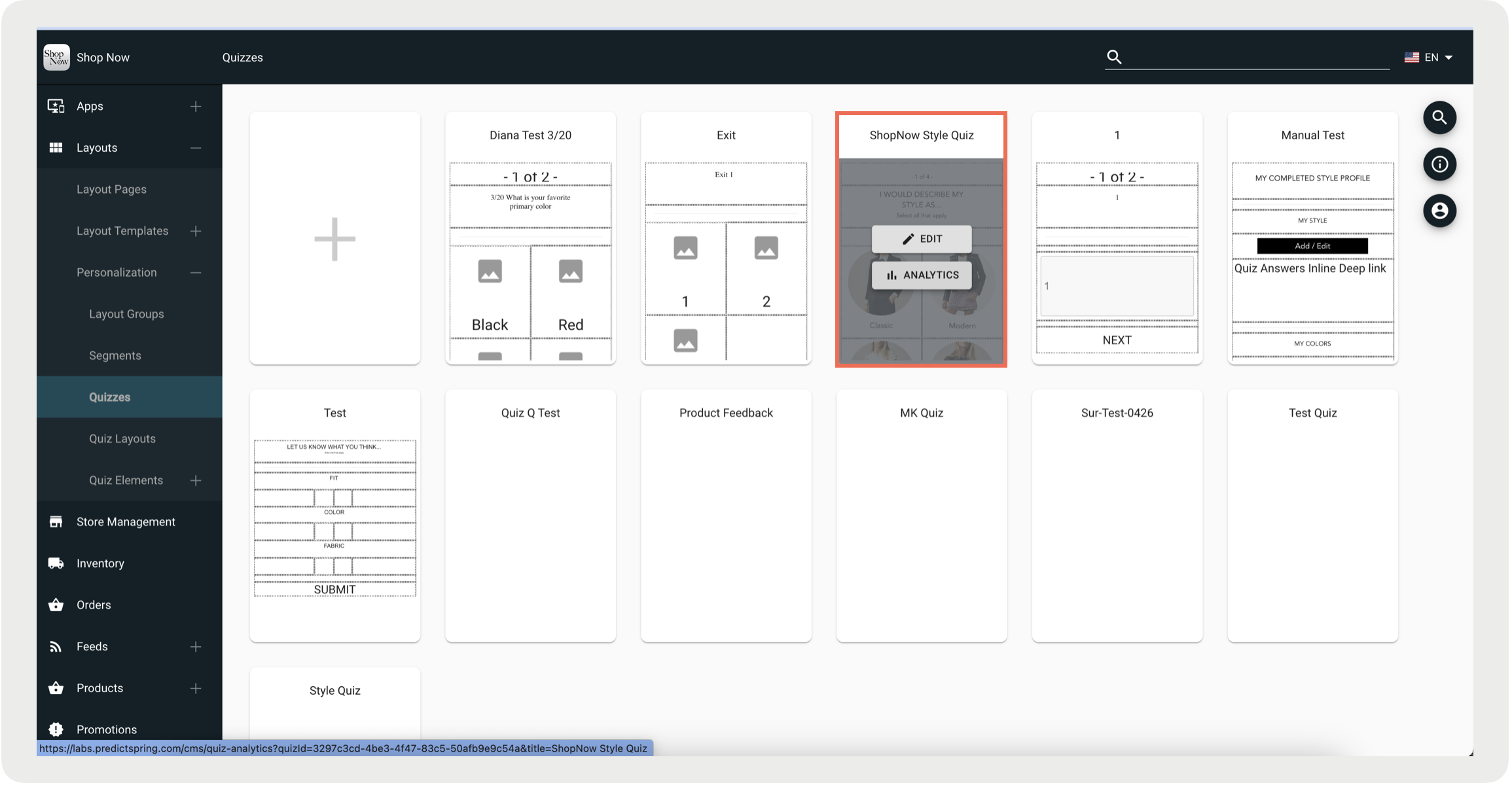
In CMS, go to
-
Hover over a quiz and click Analytics.
Read Analytics
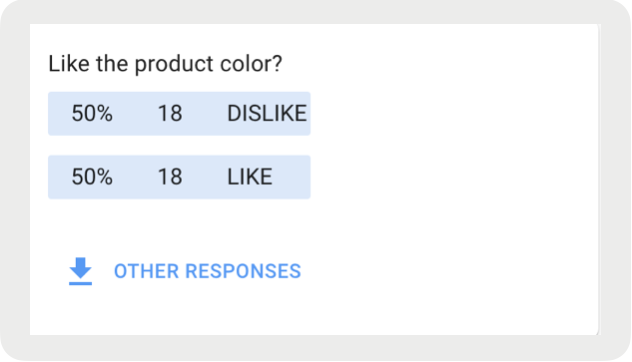
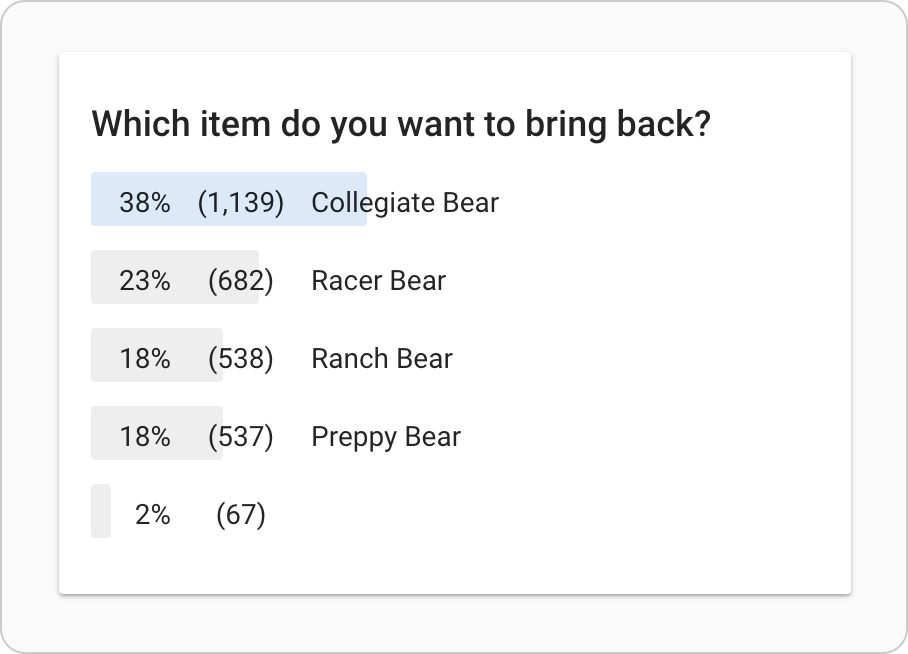
The analytics of each question allows you to see the different answer options, the
percentage of respondents that chose each answer, and the number of responses for each
option.
Review Text Answers
For questions that allow the user to enter free-form text, you can download the
responses by clicking on Other Responses which will save the file as a
TSV.