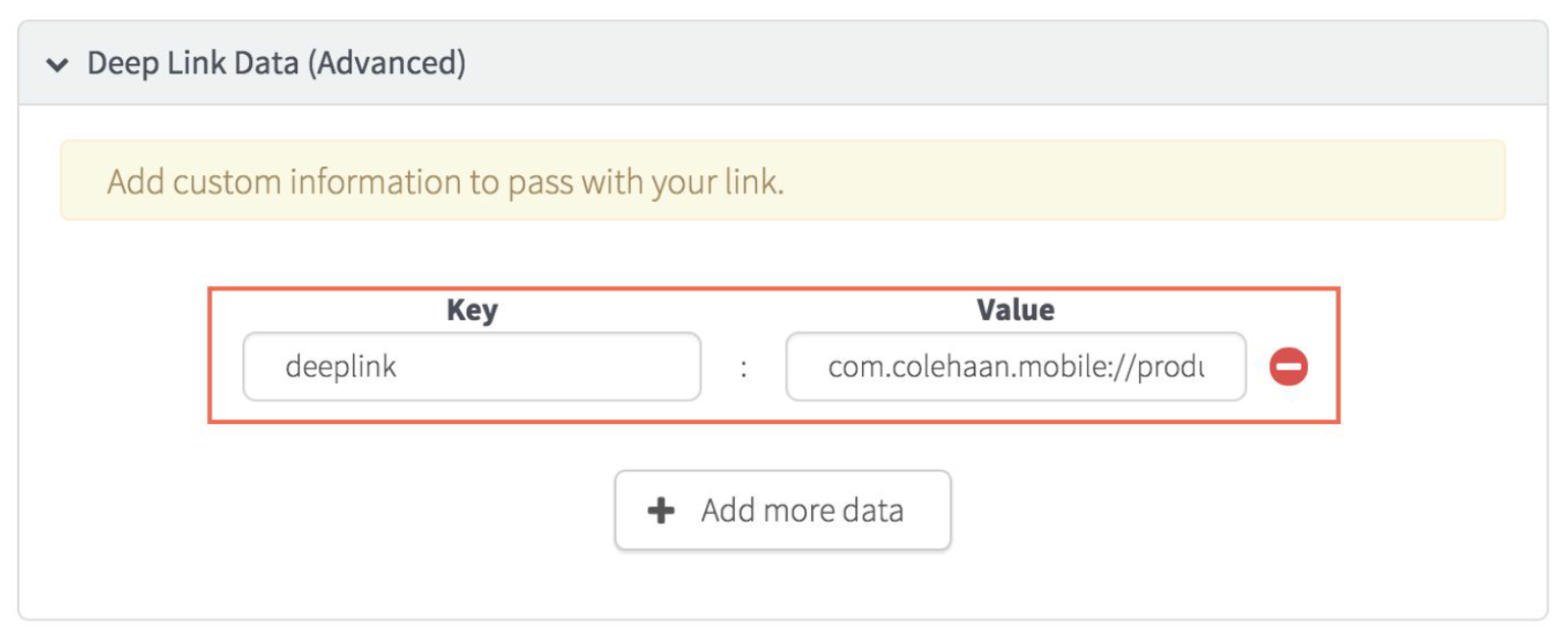
Generate deep links for Point of Sale using the Branch.io dashboard to enhance user navigation and improve customer engagement. Active link creation streamlines the user experience, driving higher conversion rates and better tracking of marketing campaigns.
-
To create a deep link, simply select + Add Link on the Branch.io
dashboard Marketing page.
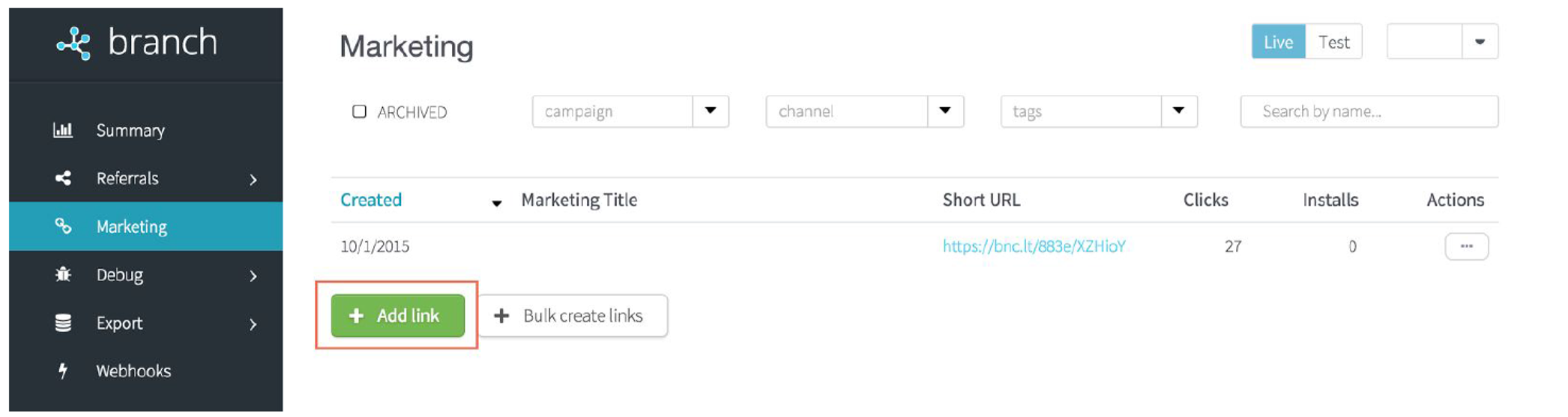
- Fill out the Create Marketing link form per the Branch.io instructions.
The deep link settings themselves that send the customer to a specific location in the
app rather than just opening up the app can be configured by adding the advanced Deep Link Data.
In this section click on + Add more data and then set the Key to the deep
link and the Value to the specific value desired.