
View and create approval policies for Point of Sale CMS store associates.
The Approval Policies page can be accessed in Point of Sale CMS by going to Store Management > Associates > Approval Policies Configuration. No additional setting is required to use this feature.
To view and create approval policies:
-
Select on the top-right of the approval policies page. The following modal will
appear:
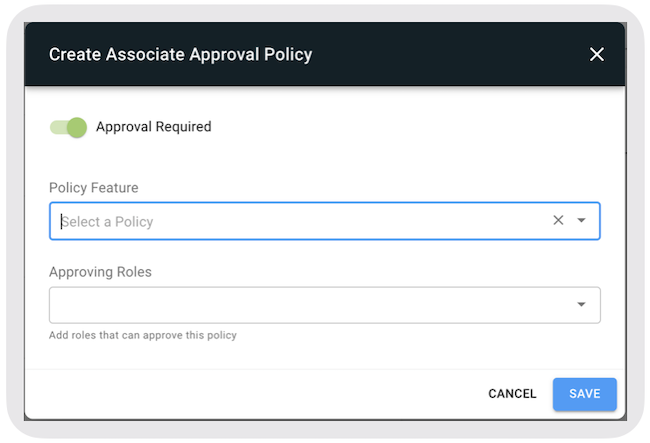
- Select a (for example Create Till). For information about available Policy Features, see Policy Features
- Select that can approve this policy (for example Store Associate, Senior Associate). You can select one or multiple roles.
- Select .
Approving Roles
The selection of the roles will be determined by the custom roles that have been set in the CMS by going to . Details on configuring custom roles can be found by referring to CMS Store Associates Custom Roles.