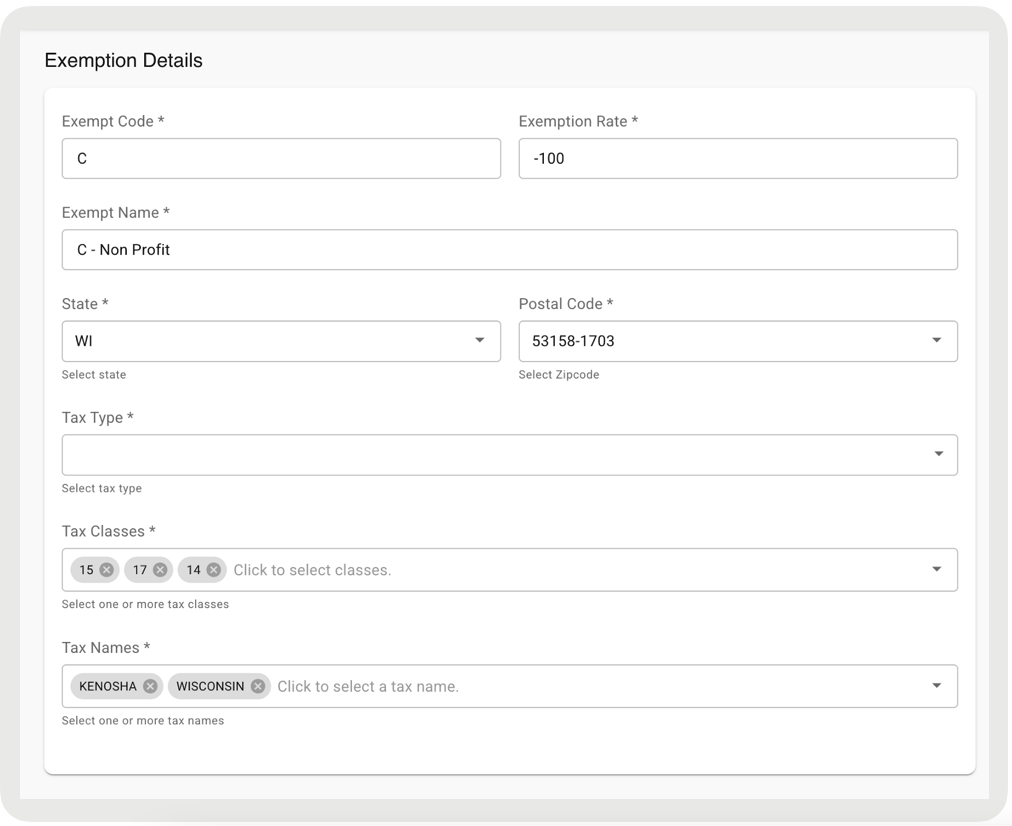
Configure tax exemption for Point of Sale, including partial tax exemption and fees, both supported in online mode. Offline mode uses previously downloaded tax rates.
Configure Exemption in the Vertex Portal
Define exemptions for specific products or customers.
- Go to .
- Click Add to create a code for exempted customers.
- Enter a Code and Name (for example, C for Tribal Government).
- Under Taxpayer, select an entity created in Create Taxpayer Entity.
- Under Taxability, set it to "100% Exempt".
Connect the Exemption in POS CMS
Link the Vertex exempt code to Point of Sale so CMS applies it during checkout.
- Go to
- Create an exemption by referring to this article.
-
Ensure the Exempt Code field matches the value in the
Code field set up in Configure Exemption in the Vertex
Portal.