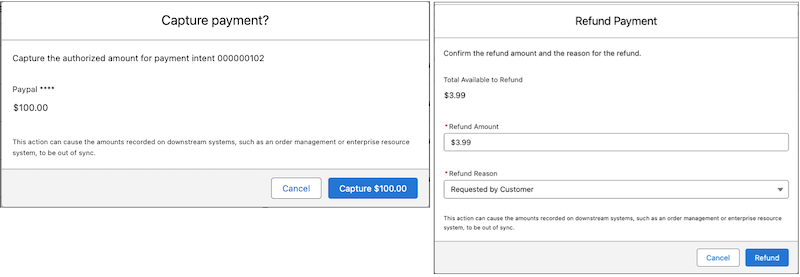
Capture and refund credit card purchases from the Payments workspace, instead of going
to the payment gateway's dashboard. For example, you can manually capture payments, or process
courtesy refunds outside of the return time frame. The available action is determined by the
payment status. You can only take actions on payments processed by Stripe or Adyen.
Required Editions
| User Permissions Needed |
| To perform tasks in the Payments app: |
Payments administrator permissions |
-
In the Payments app, select Payments Workspace.
-
Select an action from the dropdown menu at the end of the entry, or click the payment
intent number and select Capture or Refund on the record page.
Capture is available only if you enabled manual capture for your store, and the payment
status is Authorized.
Refund is available only if the payment status is Succeeded.
- Complete the action from the confirmation page that opens.