Use manual capture for payment processing for greater control, flexibility, and security
in managing their payment transactions. Manual capture is available for Commerce and Pay Now
stores.
Required Editions
| User Permissions Needed |
| To enable manual capture |
Customize application |
-
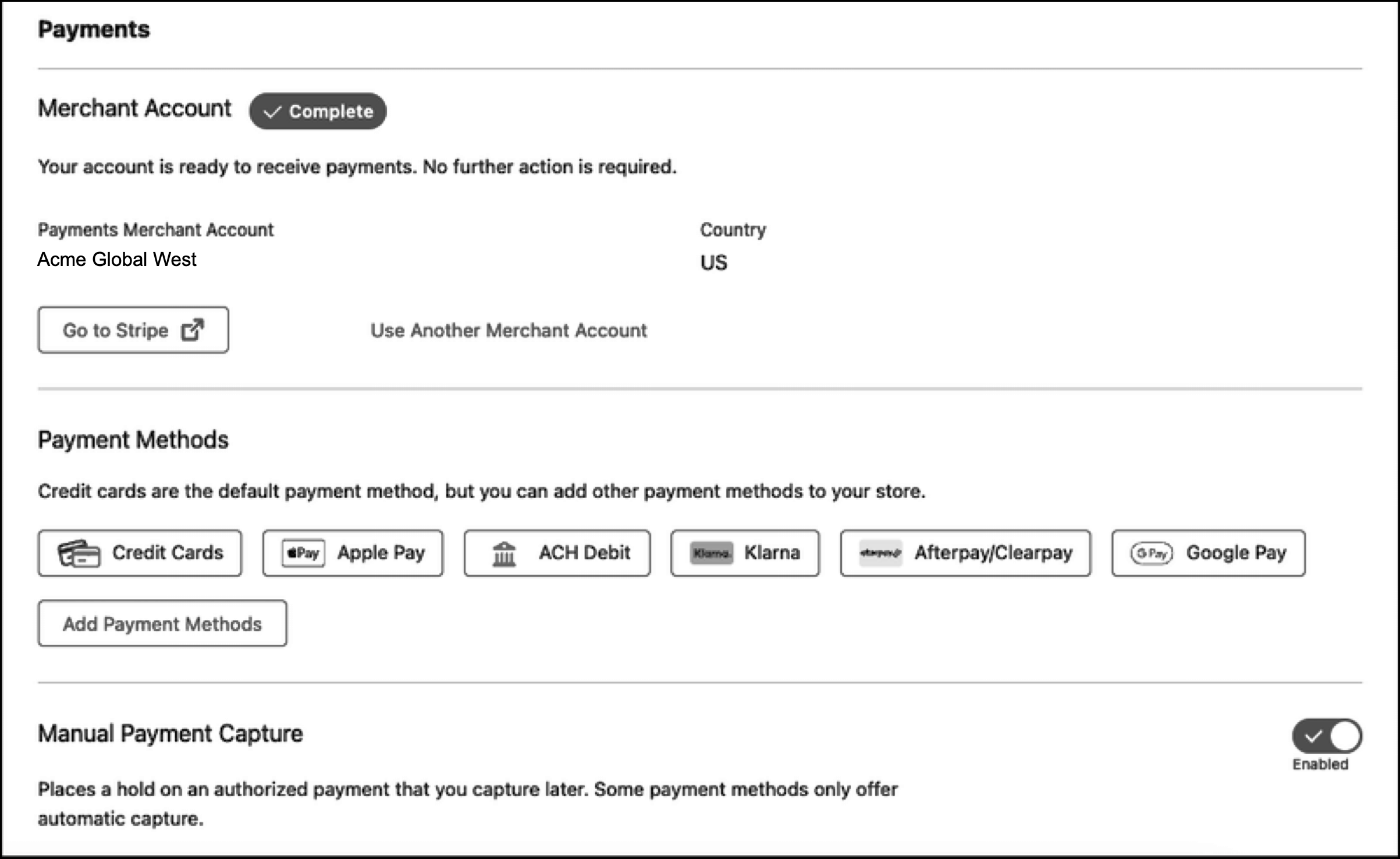
For a new Pay Now store or a Commerce store using managed checkout, enable manual capture
in the Payments section of your store's managed checkout configuration.
-
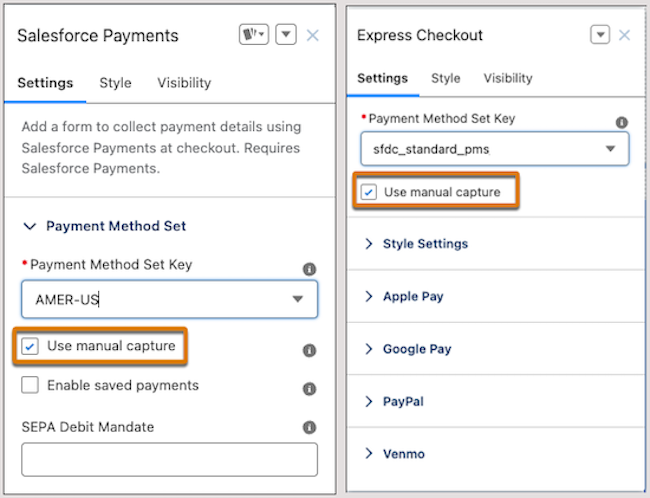
For a Commerce store using custom checkout, enable manual capture from Experience Builder.
On the Checkout or Pay page, enable the setting on the Salesforce Payments or Express Checkout
component.