
Open the Traces page in Log Center to see traces for your B2C Commerce realm.
Your realm must be participating in the Traces Beta. See Traces (Beta).
-
Open Log Center.
See Access Log Center.
-
In the header navigation bar, click Traces.
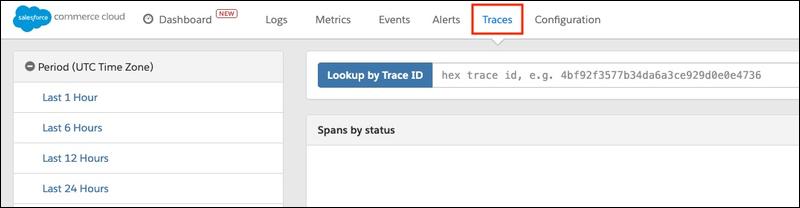
- Select your realm from the realm filter in the upper-right corner of the page.
The Traces page opens and shows traces for your realm.