
When your self-managed SSL certificate expires, or you update the hostnames assigned to a self-managed SSL certificate, upload a replacement certificate in Business Manager for B2C Commerce and remap DNS.
Which Salesforce Commerce Product Do I Have?
For the DNS mapping rules and validation methods, see DNS Mapping for eCDN Zones.
To renew a self-managed certificate with the CDN Zones API instead, see eCDN Custom Certificates in the developer documentation.
To update the hostnames assigned to a certificate in a proxy zone, add a new certificate with all the hostnames, verify the hostnames, and then delete the old certificate. Adding all hostnames before you delete the old certificate avoids availability gaps.
For wildcard hostnames with self-managed certificates, include SANs for both the wildcard and root domains. See Configure Wildcard Custom Hostnames.
-
In Business Manager, click App Launcher
 , and then select .
- Select a zone from the hostnames list and click Certificate.
-
On the Crypto tab, select the zone from the list.
To view certificate details, click the chevron at the start of a certificate row. The expanded view shows certificate type, hosts, issuer, validation method, expiration details, and any TXT or CNAME records or verification actions required for unverified certificates.
-
From the certificate row actions menu, click Edit on the
certificate you want to update.
To remove a certificate instead, click Delete. A confirmation appears before deletion.
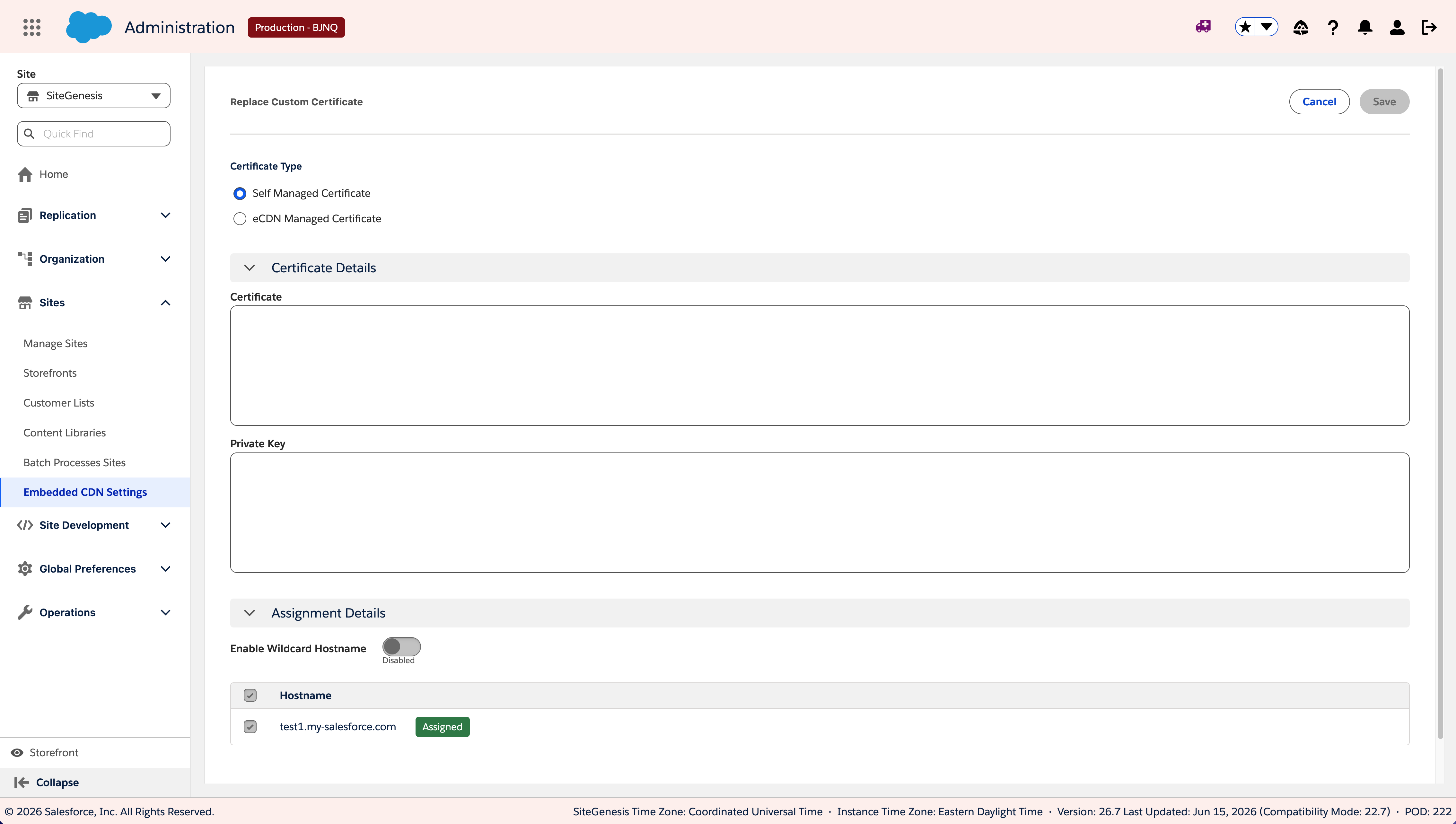
- Select Self-Managed Certificate.
- Click Update Certificate.
- Paste the certificate and private key information from your Certificate Authority provider.
- Select the hostname to which you want to assign the SSL certificate.
-
Click Replace Certificate.
- Copy the displayed verification text into your own DNS portal.
-
To check the status of hostname validation, click Verify
HostName.
Verification can take up to six hours.
- Map DNS so that the hostname's traffic routes to its zone.