
To set up B2C Commerce security logs streaming, configure the Enable Security Logs option.
- Log in to Log Center.
- Select Log Streaming.
- Check Enable Security Logs.
- Enter a name for the log stream
- Fromthe Destination Type drowdown, select a third-party integration too.
- Configure the Endpoint URL, API Token, and Realm
- (Optional) Add user ids to the Edit Permissions List.
- Configure filter criteria.
- Save your configuration.

Example 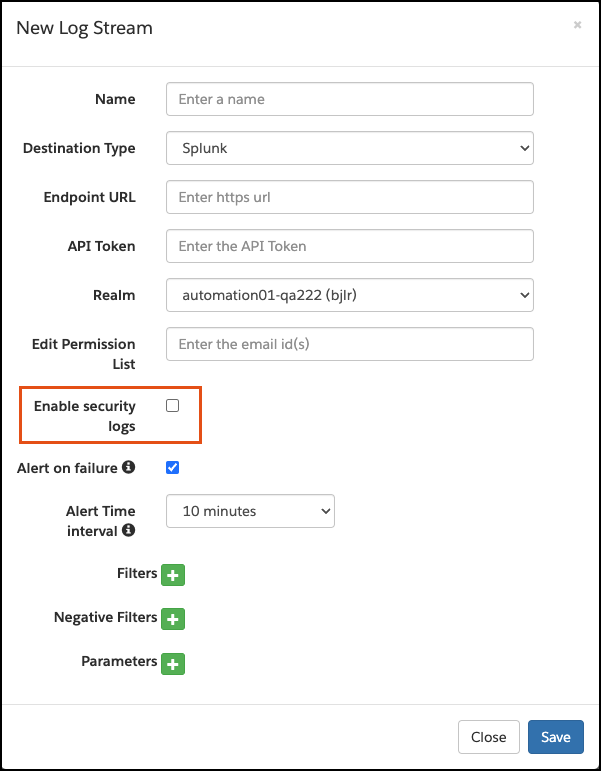
See Also: