
Create and update notifications for proactive monitoring of B2C Commerce log streaming.
-
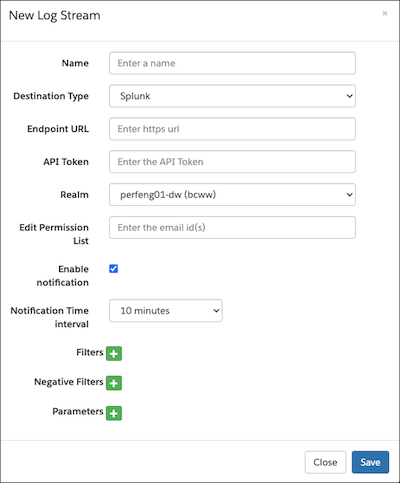
In the log streaming setup screen, click Enable
notification.
All users in the Edit Permissions list including the primary owner receive notifications.
-
From the Notification Time Interval dropdown, select a time interval.
In the event an error occurs, an error message and search button appear for each error.
- If you receive an error, click Search to debug it.
- (Optional) To disable notifications for all users, uncheck Enable notification.