
Replicate specific prices from staging to production on your B2C Commerce site.
-
In Business Manager, click App Launcher
 , and then select .
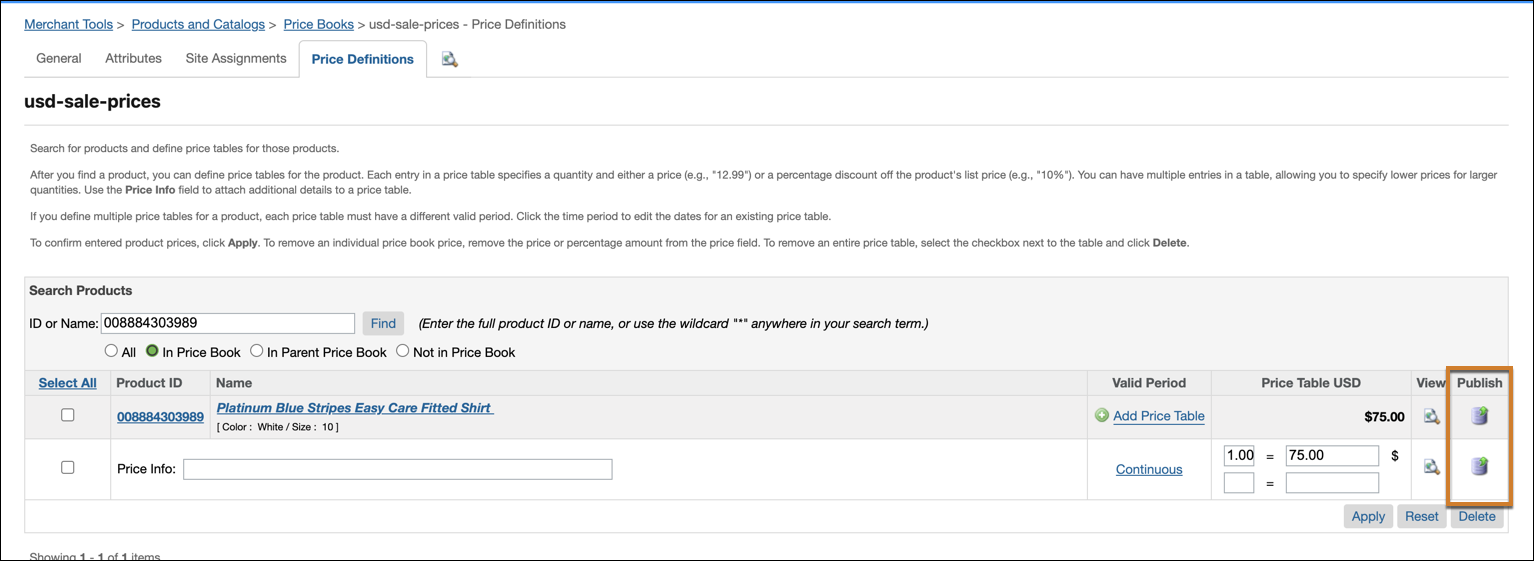
- Select the price book to update.
- Select the Price Definitions tab.
- Enter the product ID or name.
- Update the price table entry.
-
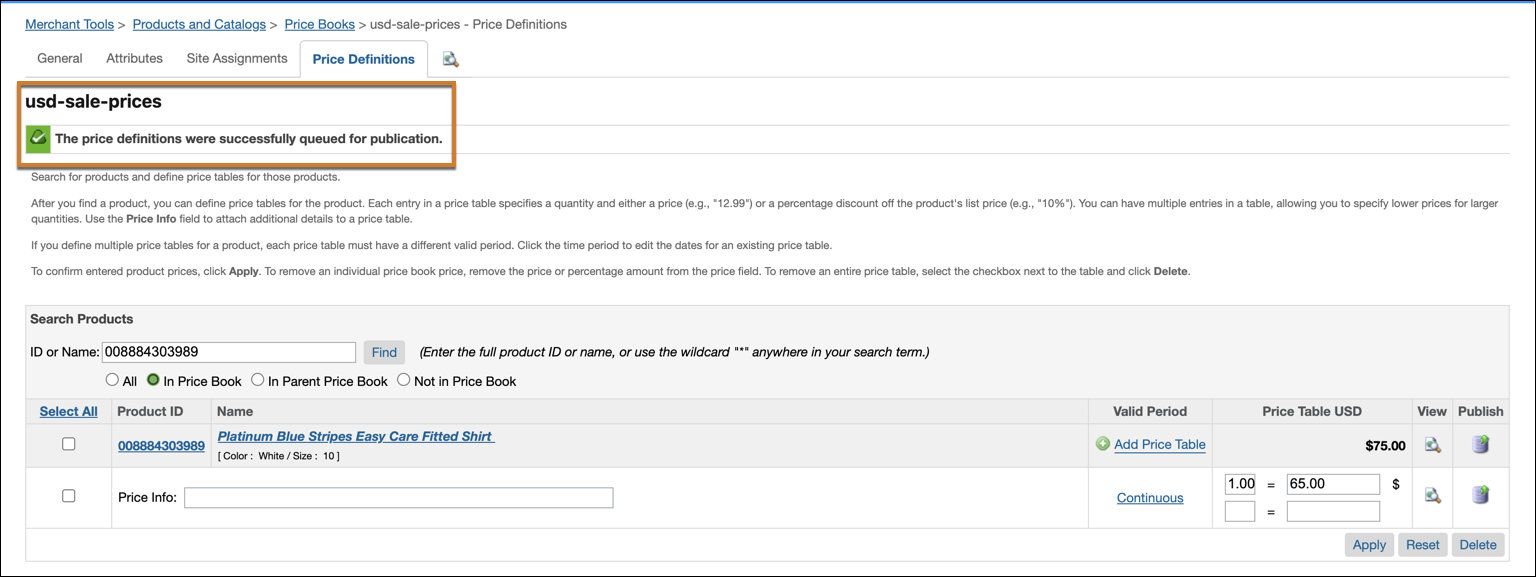
Click Publish.
-
(Optional) You can also access price book data from the Products page.
-
In Business Manager, click App Launcher , and then select .
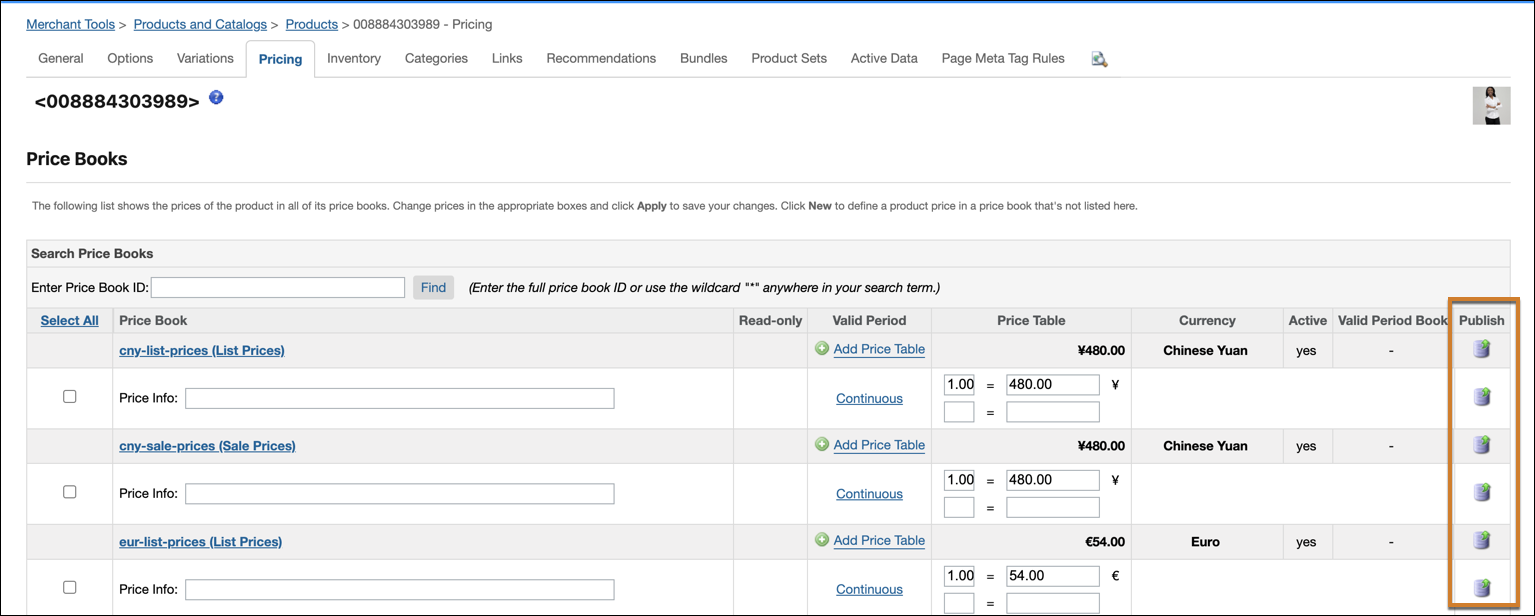
- Select the product whose price entry you want to update.
- On the Product Details page, select the Pricing tab.
- Update the price book entry.
-
Click Publish.
-
In Business Manager, click App Launcher