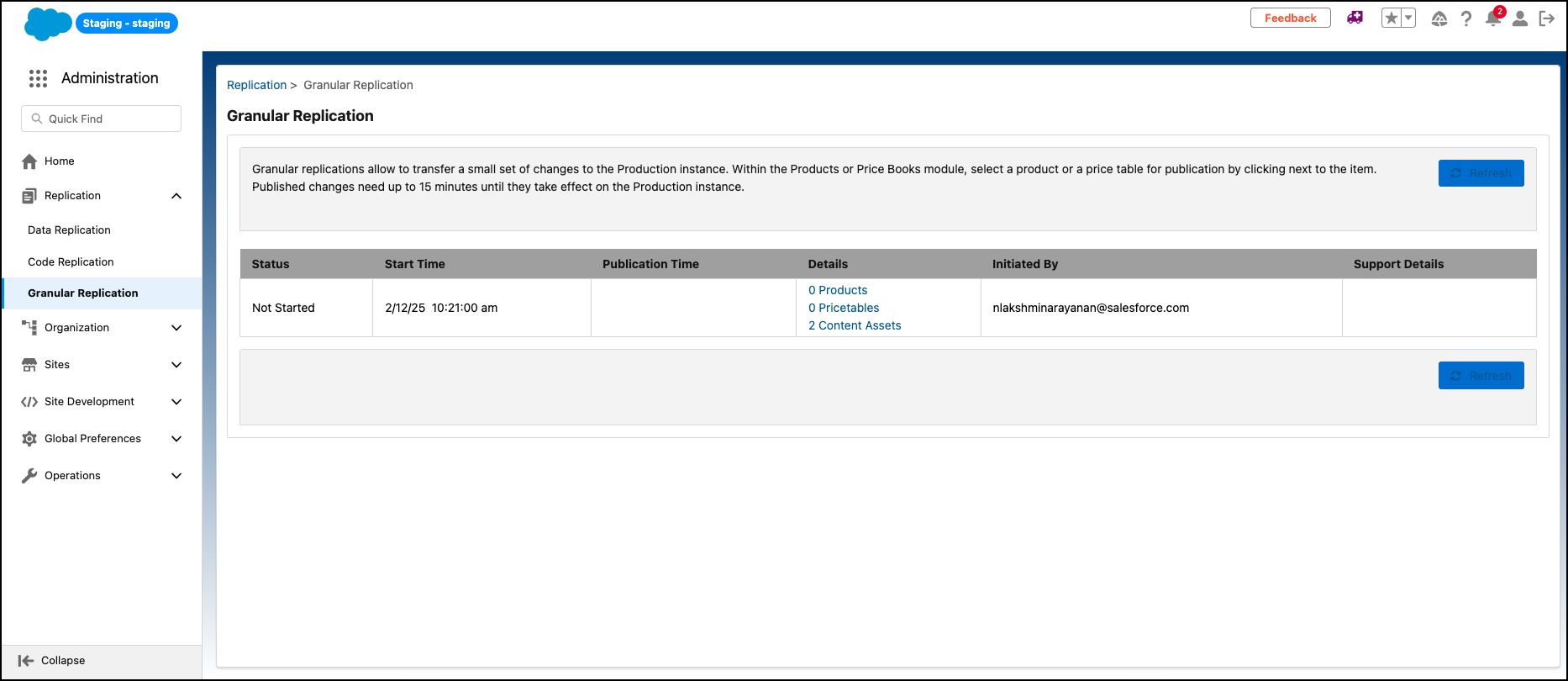
Replicate specific content assets from staging to production on your B2C Commerce site.

Note This functionality dosen't apply to Page Designer content
assets.
-
In Business Manager, click App Launcher
 , and then select .
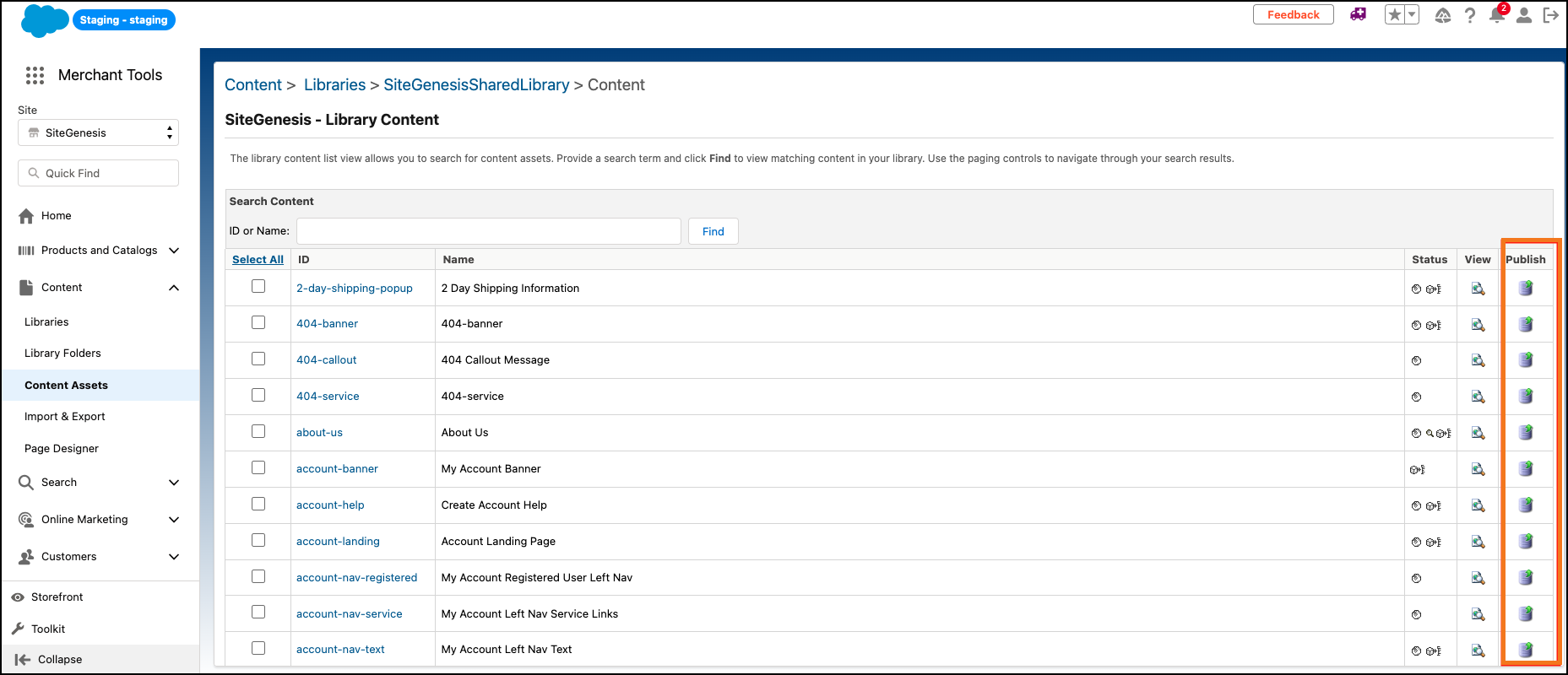
- Enter the content asset Name or ID.
- Select the asset.
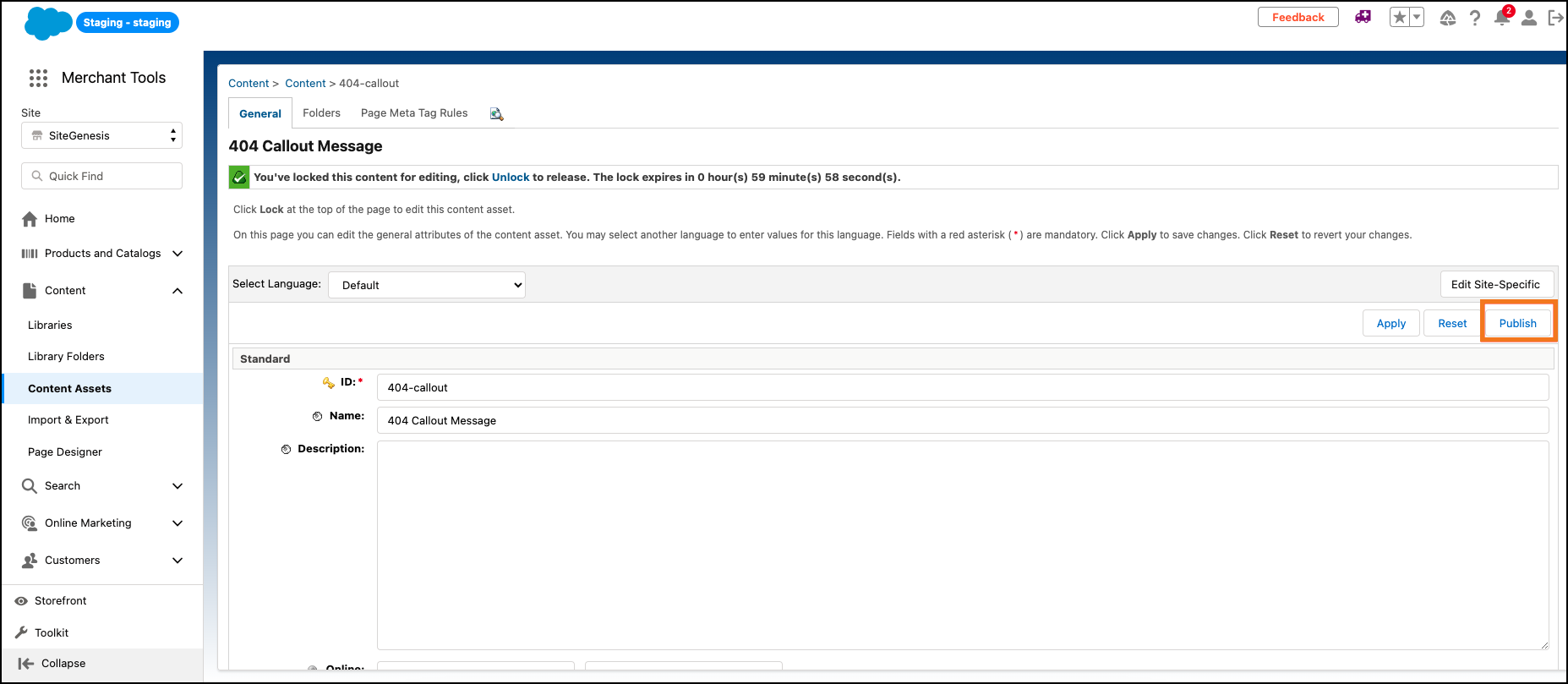
- In the Content Asset section, update the attributes.
- To publish the content asset to production via granular replication, click Publish.

Example