
Define how frequently to sync product data from B2C Commerce to Point of Sale.
-
Configure the sync schedule.
- In Business Manager, go to .
- Select your site and click Configure.
- Turn on Schedule Catalog and Order Feed.
- Configure the schedule.
-
Turn on auto-syncing.
- In Business Manager, go to .
- On the Products tab, go to the Scheduled Feeds section.
-
Under Products - Full, click Schedule and
turn on Auto-Sync so that your feeds run automatically on the
schedule that you configured.
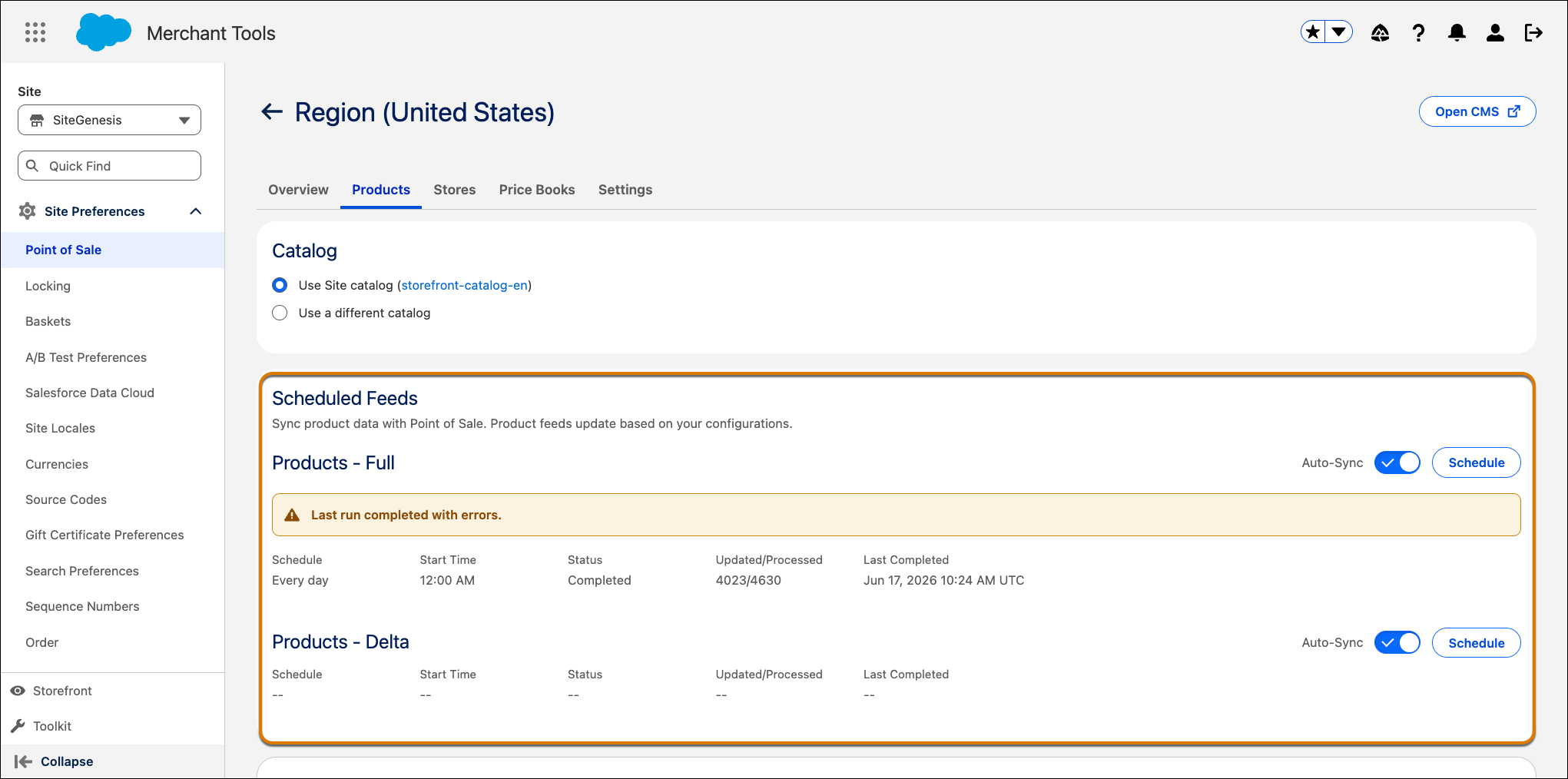
To sync only the product data that changed since the last sync, set up delta feeds. See Set Up Partial Syncs for B2C Commerce and POS Catalog Unification.