To synchronize catalog data across B2C Commerce and Point of Sale, link each B2C Commerce site to its corresponding Point of Sale Merchant Locale Region (MLR), then verify the catalog configuration.
-
In Business Manager, click App Launcher
 , and then select .
- In the Site dropdown menu, select the site you want to link.
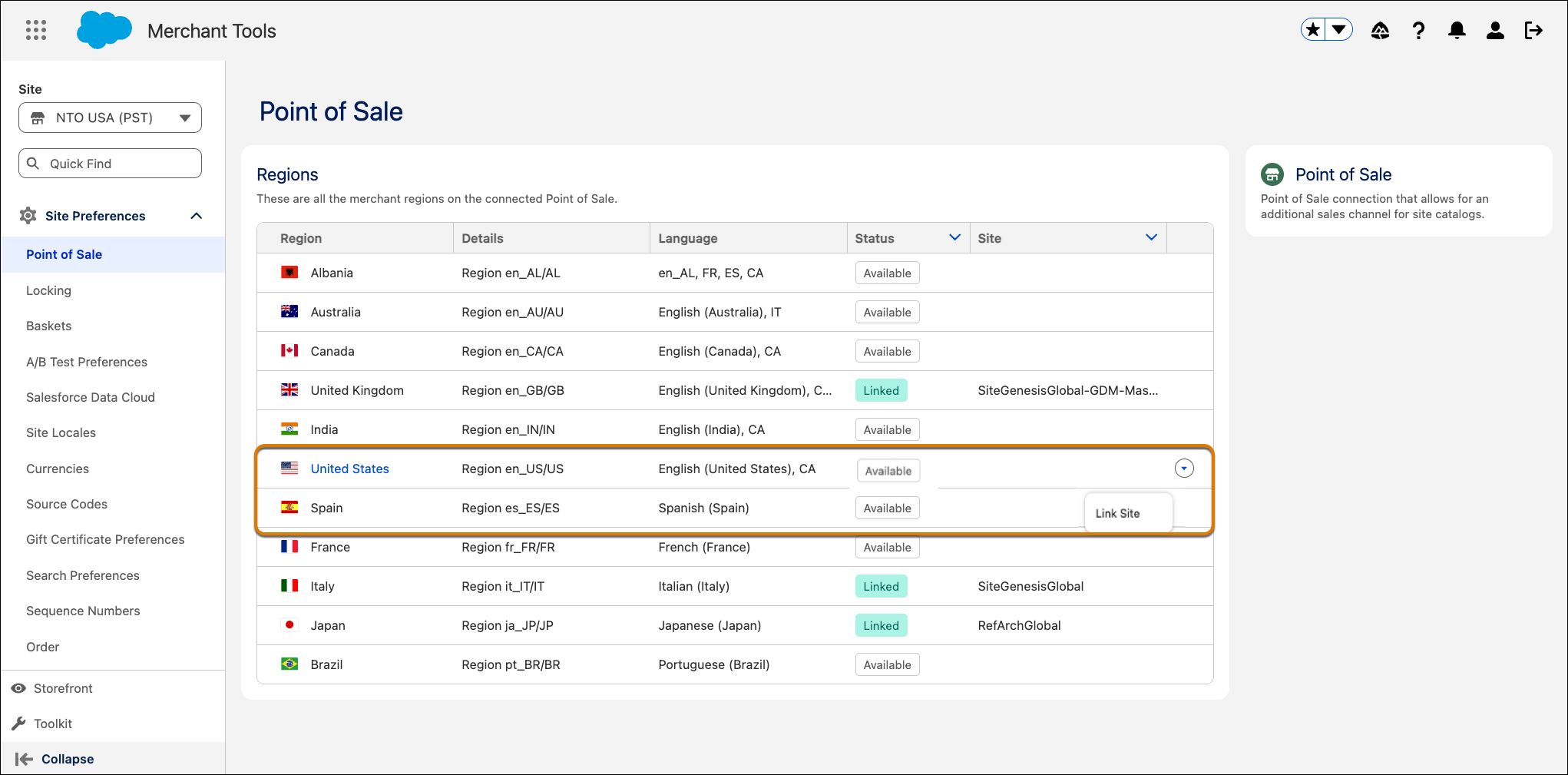
- In the table, find the MLR that you want to link.
- From the dropdown menu next to the MLR, select Link Site.
-
Click Connect.
-
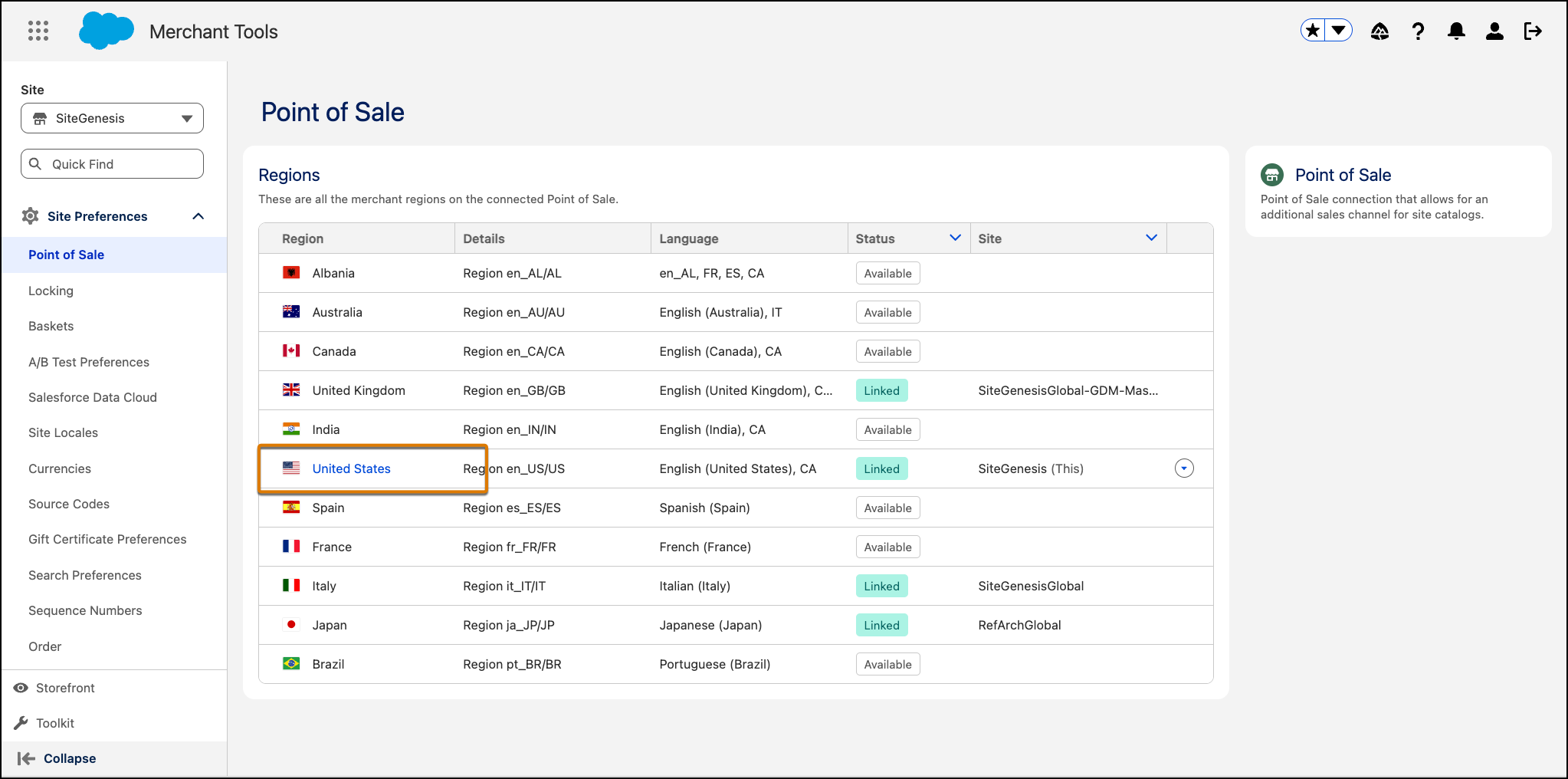
Click the linked MLR to open its configuration page.
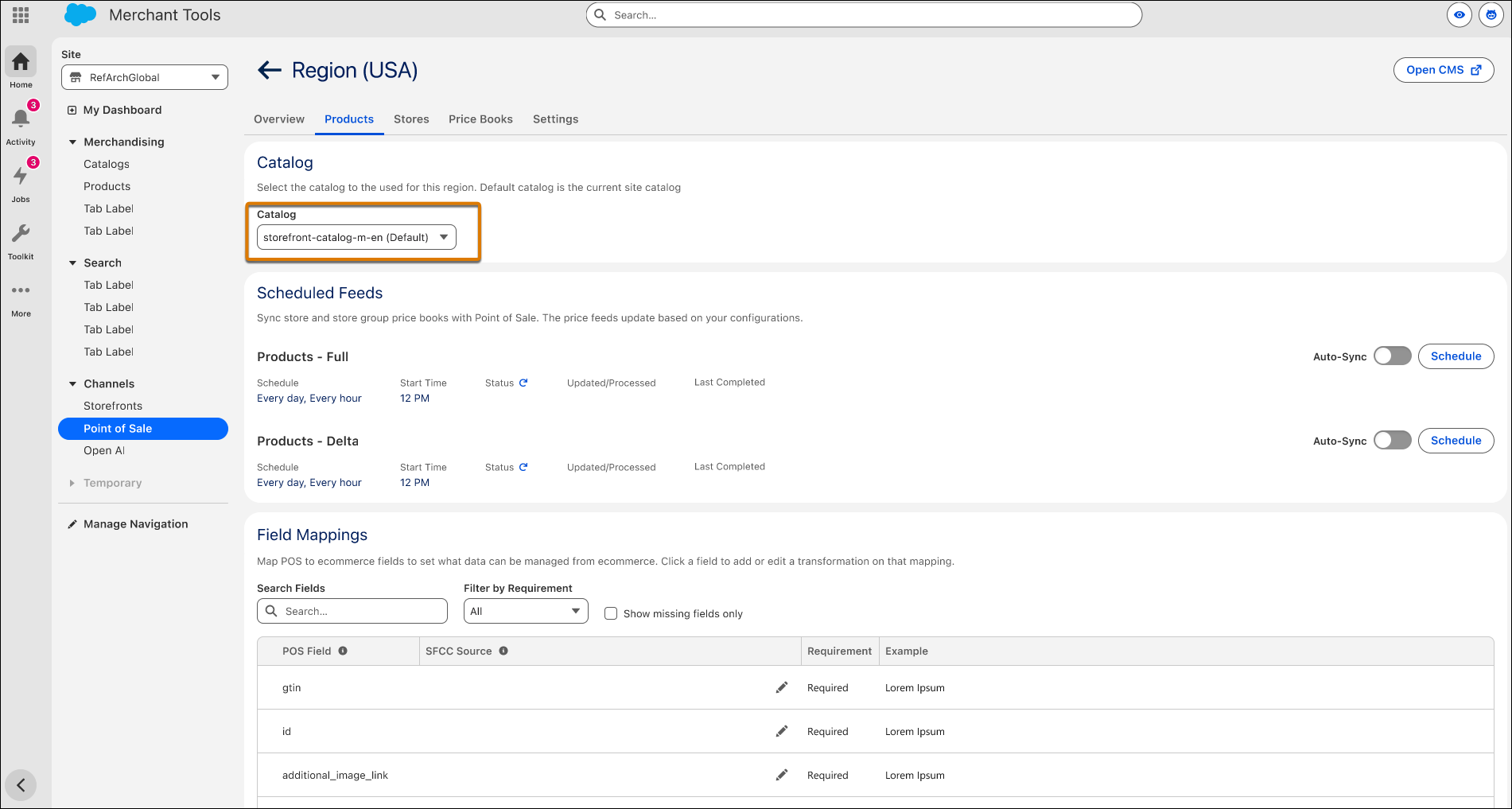
- Click the Products tab and then go to the Catalog section.
-
Verify that the correct catalog is selected.