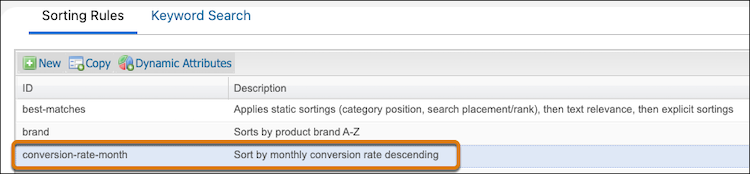
Use the Merchant Agent to create sorting rules based on sequential data attributes such as price or conversion rate to control how search results are displayed to customers.
- In Business Manager, select .
-
Choose one of the following options:
- Select Category and enter the category to modify.
- Select Search Term, and enter a term.
-
In the right-hand panel, click Curate.
The Curate page opens.
-
In the Action field, select Sort
Category, and enter a description of the product to boost or bury.
For example, for the category Men's > Clothing > Pants, enter Sort category by monthly conversion rate.
 Tip Pick an attribute for sorting that can be logically placed in ascending or descending order, such as price.
 -
Click Create.
The rule details appear on the page.
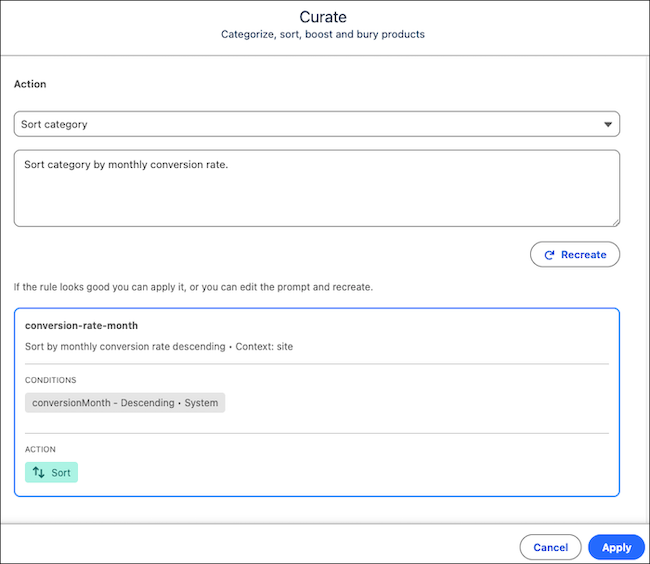
- Review the rule, and if it meets your requirements, click Apply.
To see the new rule, go to .