
Choose where Commerce app components appear on your Storefront Reference Architecture (SFRA), Composable Storefront, or Storefront Next site.
Prerequisite:
Upgrade your storefront to the latest version.
- For SFRA, see SFRA Versions and Releases.
- For Composable Storefront, see Maintain Your Site.
- For Storefront Next, see Customization Best Practices and Upgrades.
-
In Business Manager, click App Launcher
 , and then select .
- Open an installed app that supports component surface area enablement.
-
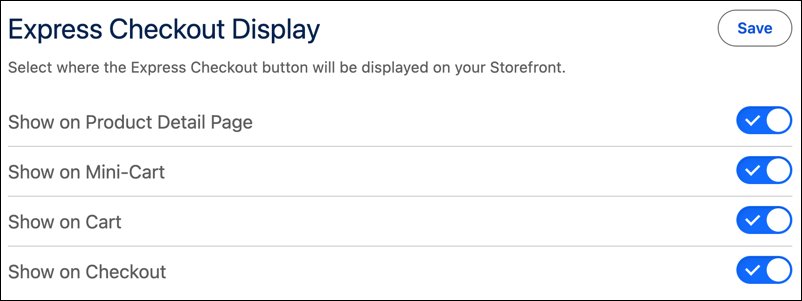
In the app’s display card, select where to place the component.
Turn on or turn off components by surface area, such as on the Checkout, Cart, Mini-Cart, and Product Detail pages, without modifying code.
-
If you’re using Composable Storefront or Storefront Next, review, test, and merge the
pull request that applies the change.
Salesforce Payments doesn’t require you to merge a pull request.
- Save your changes.