Replicate specific B2C Commerce products from staging to production.
-
In Business Manager, click App Launcher
 , and then select .
-
Create a Merchandiser role or edit an existing role.
- To create a role, enter an ID and description.
- Click Apply.
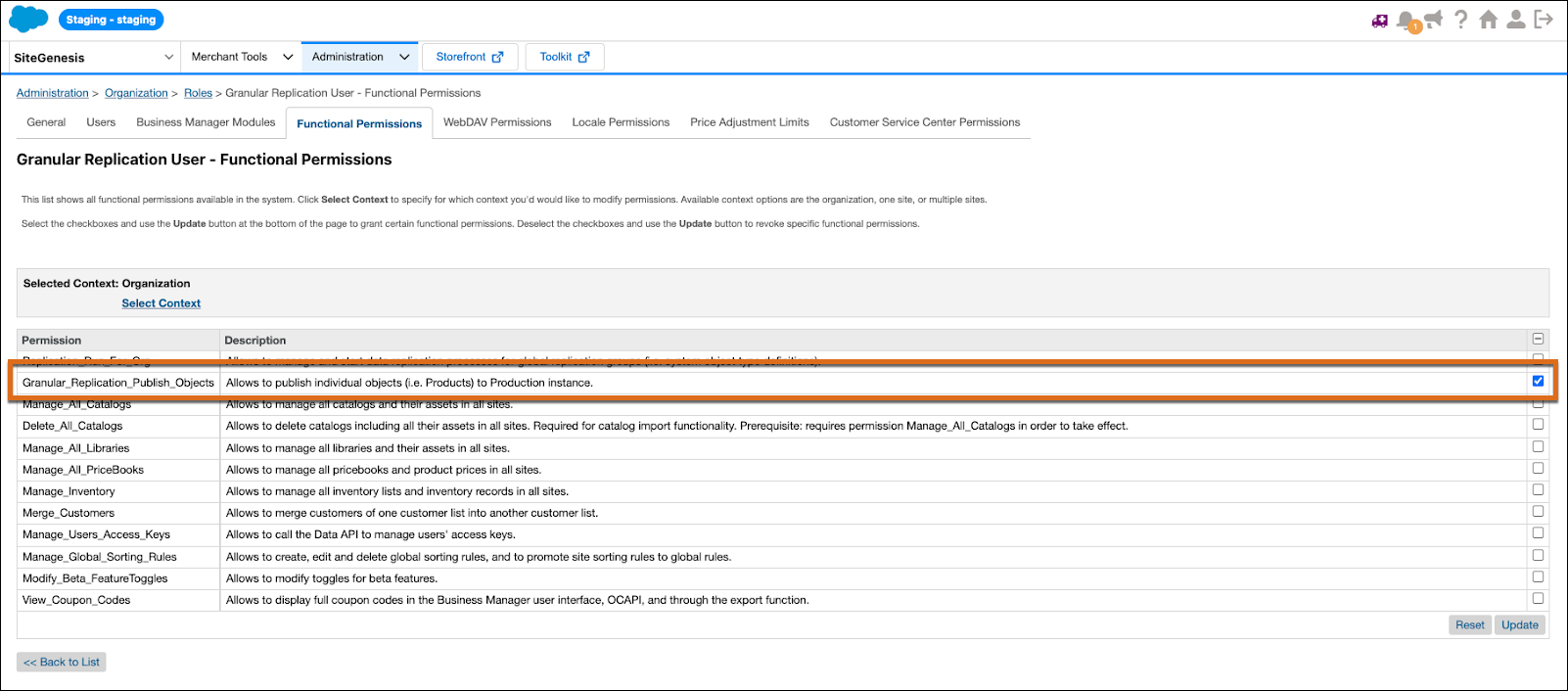
- Select the Functional Permissions tab.
- For context, select Organization.
-
Enable access to the
Granular_Replication_Publish_Objectspermission. - Select other merchandiser permissions as desired.
-
Click Update.