Promote work to the production org without manual handoffs. Built-in dependency checks
and contextual notes help admins approve requests. Real-time Task Manager updates keep promotion
workflows transparent and trackable from start to finish.
Required Editions
-
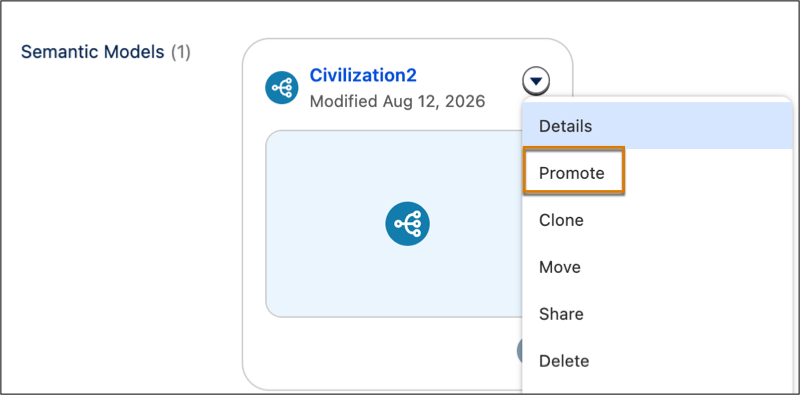
Select an asset in your workspace.
-
From the asset dropdown menu, select Promote.
-
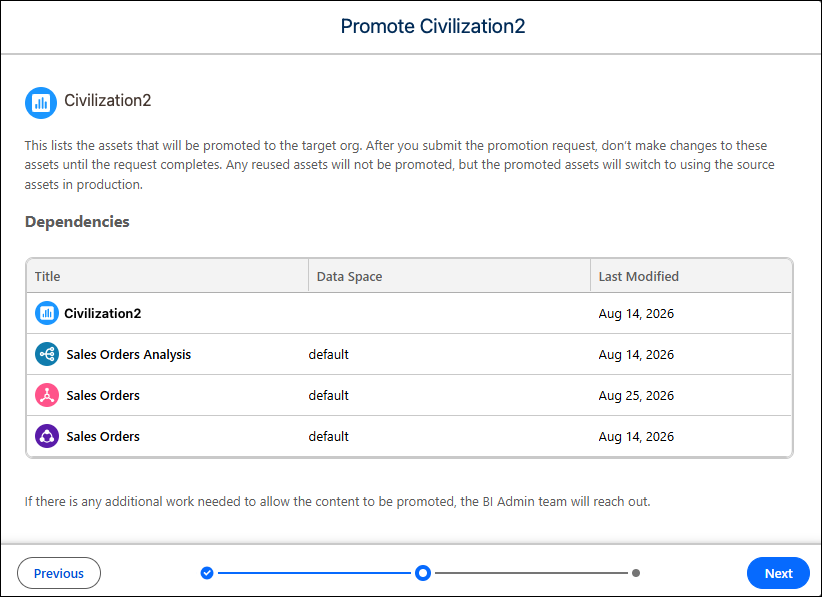
Click Next.
-
Review the asset dependencies, and then click Next.
-
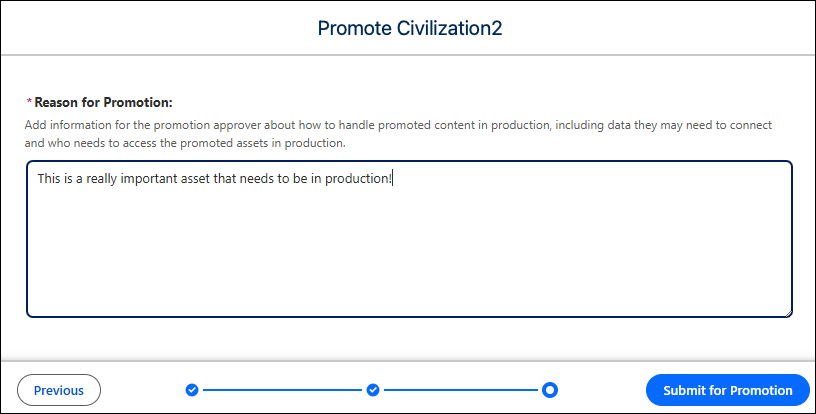
Type in a description that helps the admin understand the asset’s purpose.
-
Click Submit for Promotion.
-
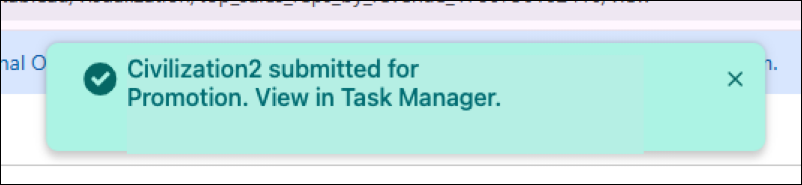
Click the link in the banner to open Task Manager and monitor the promotion’s
progress.