
Make changes to your batch data transforms and save the results.
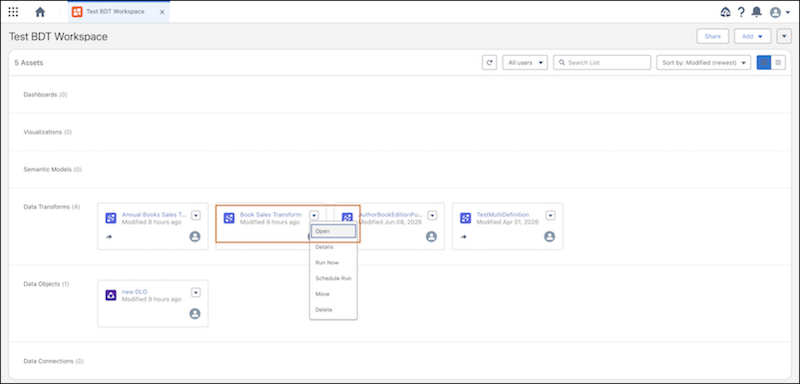
- In your Tableau Next workspace, go to the Data Transforms section.
-
Click
 next to the data transform name, and select Open.
Alternatively, click the data transform name to open it in the canvas.
next to the data transform name, and select Open.
Alternatively, click the data transform name to open it in the canvas.
The canvas editor opens and displays the selected batch data transform.
- Edit the batch data transform.
- Save your work.