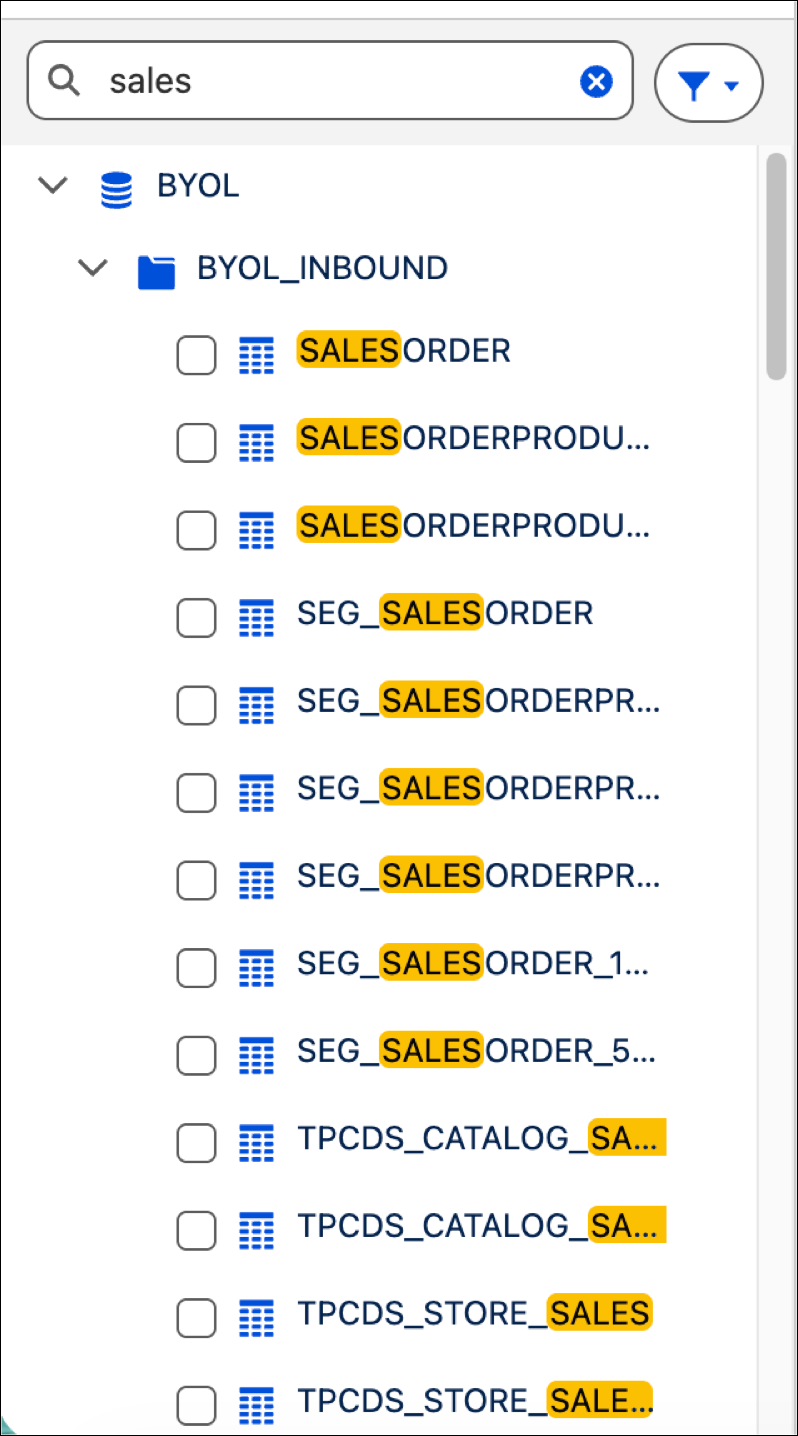
Efficiently navigate Tableau Next data structures by searching for schemas and tables
across all active connections in Tableau Next from the search bar. Scan your data sources and see
matches that preserve their original folder hierarchy and context.
Required Editions
Locate Data Tables with Search
-
Open a Data Connection within your Tableau Next workspace.
-
Go to the search bar on the top of the tables tree.
-
Enter a value to search. Use the filter icon to scope the search for all tables or tables
that have a DLO associated with them.
-
Review the results.