Optimize data clarity by renaming data source columns to align with your organization's
business terminology. Modifying these field names in your workspace ensures that you interact with
familiar labels during analysis.
Required Editions
-
Open or add an external data source from your workspace.
-
Select Customize Data Lake Object.
-
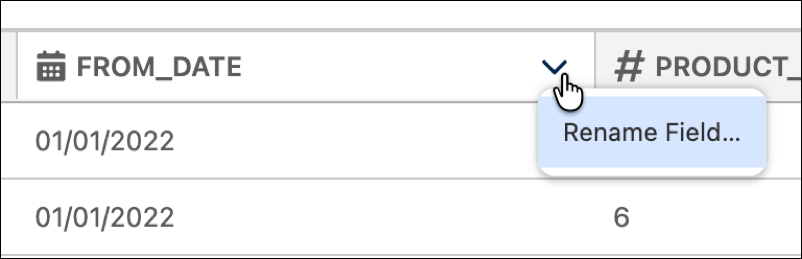
Locate the column you want to rename. Click the arrow and select Rename
Field...
-
Type a new name into the field.
-
Save your changes.