You can now search for files and folders by name in shared drives instead of navigating
complex folder structures. This enhanced search extends beyond the local cache, enabling you to
identify the correct files at a glance.
Required Editions
-
Open your file-based connection, such as a Google Drive.
-
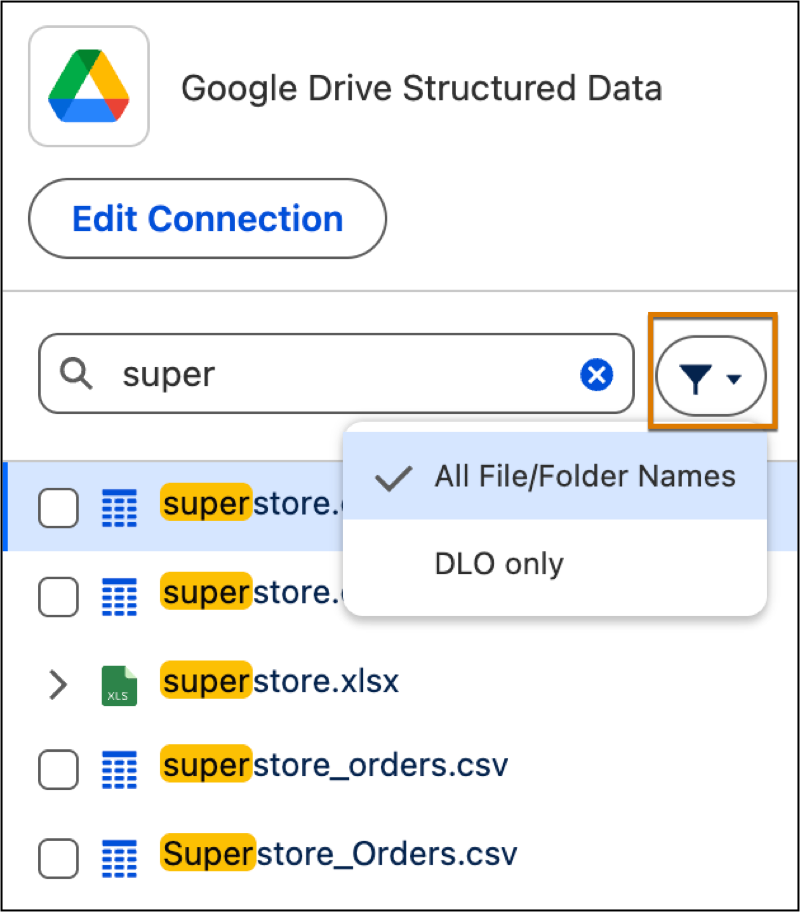
To view matches, type a value into the search field. Expand folders within the search
results to see the sheets and files contained inside them.
-
Click the filter icon and select DLO only to return existing data
lake objects (DLO) in the connection.
-
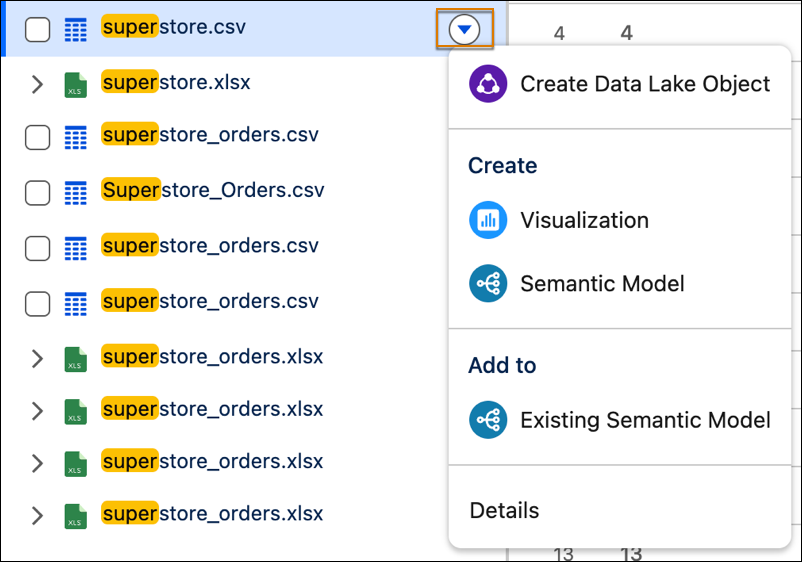
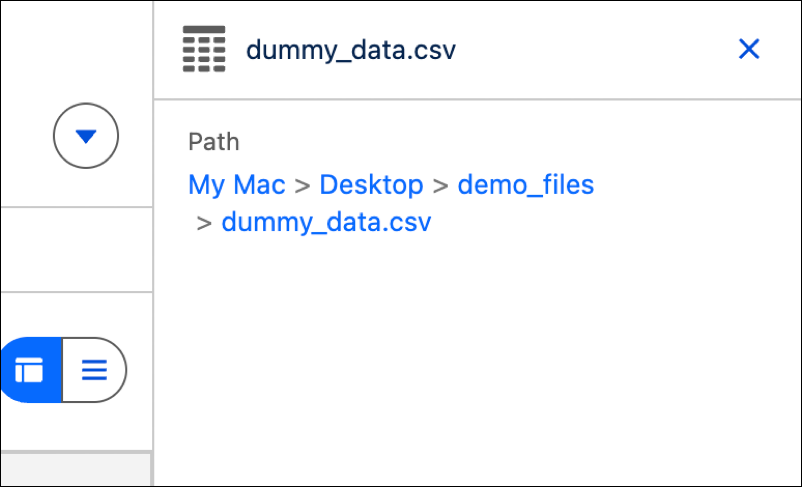
To see a file's full path, select a file and click Details in its
submenu.
-
You can click any component in the path to go to its location.