
Go beyond static preview and interact directly with your data to uncover insights and patterns.
Interact directly with your data on DLOs and DMOs. You can also review the data profile of external tables in a live connection directly, before creating a data lake object.
- Find patterns and outliers in your values.
- Discover connections between related data points.
- Review individual rows to validate summarized data.
- Identify missing values within your dataset.
- Classify data by using distinct entries.
- View the assigned data type for each field.
- Hide or show fields to optimize your data perspective.
Choose from these views to explore your data:
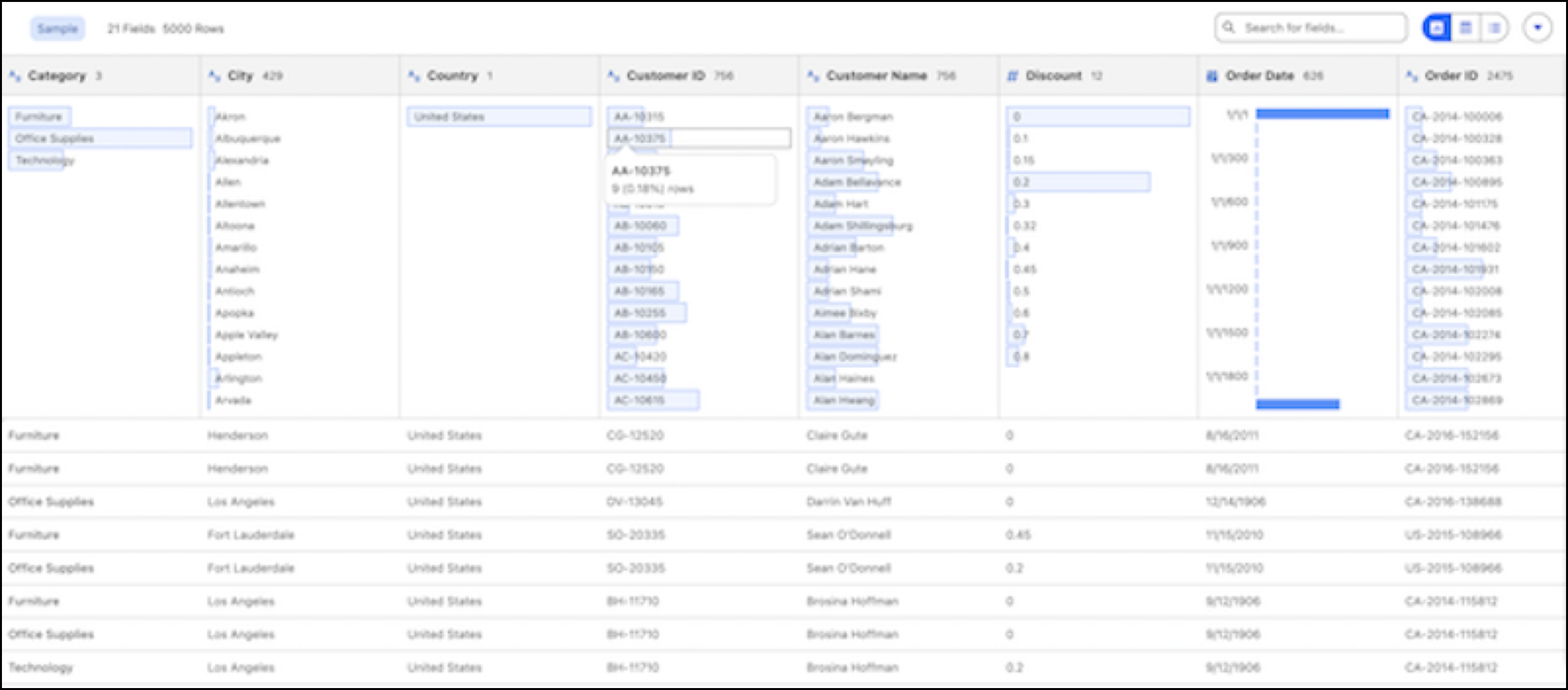
- Profile view: See data columns as colored bars that summarize data distributions, values, and nulls. Select values to include them, exclude them, or highlight relationships.
- Data grid view: View row-level details in a spreadsheet-like format. This view synchronizes with the profile pane for consistency.
- List view: Show or hide fields to simplify your view.
- From the Tableau Next Home page, click +Add, and then select Data.
- Create a workspace, or select an existing workspace.
-
Add your data by using one of these methods.
- To add an existing DLO or DMO, select the data object, and then click
Add. Go to the Data Objects section, and then
click the DLO or DMO to open it directly and begin exploring.
- To add data from a connection, select an existing data connection or create one, and then
click Add. Go to the Data Connections section,
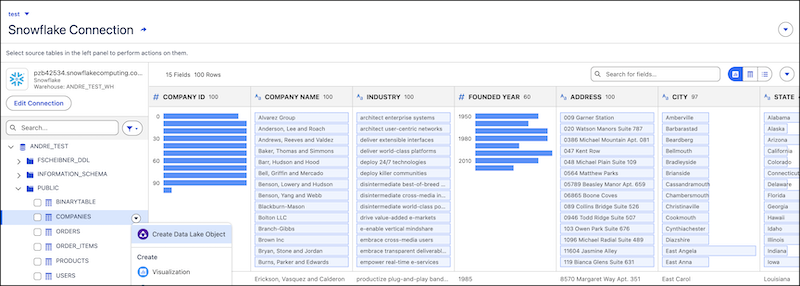
select the data connection, and then expand it. Click any external table or DLO to view its
data profile directly. After you review the profile and identify the right table, create a
data lake object for detailed analysis.
- To add an existing DLO or DMO, select the data object, and then click
Add. Go to the Data Objects section, and then
click the DLO or DMO to open it directly and begin exploring.