
Run a batch data transform for the first time to populate the data in the output objects. Run it again to update it with the latest data.
- In your Tableau Next workspace, go to the Data Transforms section.
- Click the data transform name to open it in the canvas.
-
Click Run.
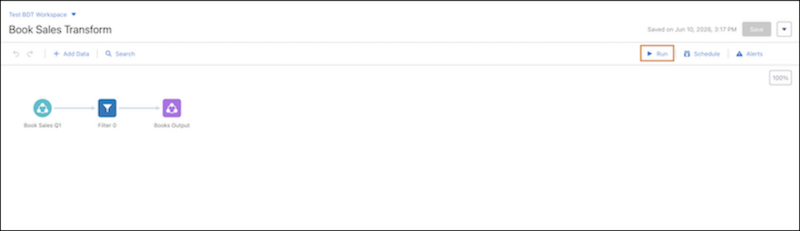
You can also run the transform by selecting Run Now from its row in the workspace, on the Home page, or in the Data monitor.