A data space acts as a logical partition for organizing your data. The app places your
assets in the Default data space. However, if other data spaces are available in Data 360, you can add assets to one of them.
Required Editions
Data spaces enable you to categorize your data, metadata, and processes, such as by brand,
region, or department. This categorization can control user access, ensuring users only see
and work with data relevant to their specific category.
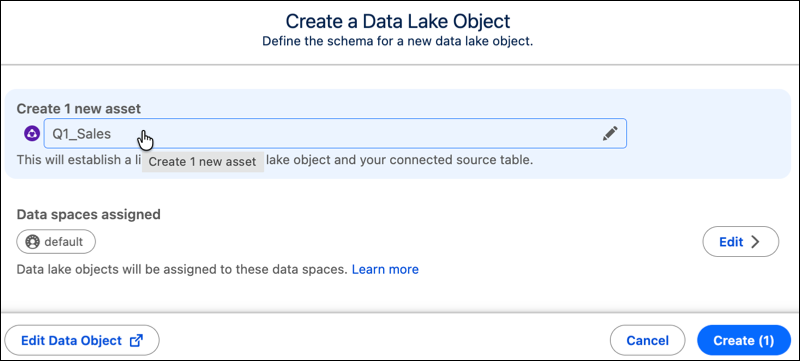
A default dataspace is always available and cannot be changed. When a Data Lake Object is
created, the ‘default’ dataspace is associated to the DLO. Users can optionally change the
dataspace or add dataspace available in the system to the DLO.
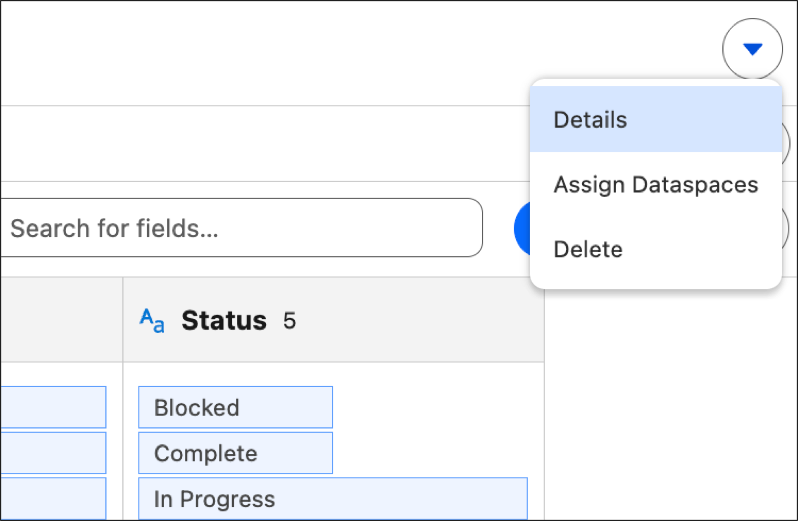
Users can also manage dataspaces on the DLO by opening the DLO and using the Actions on the
DLO page.