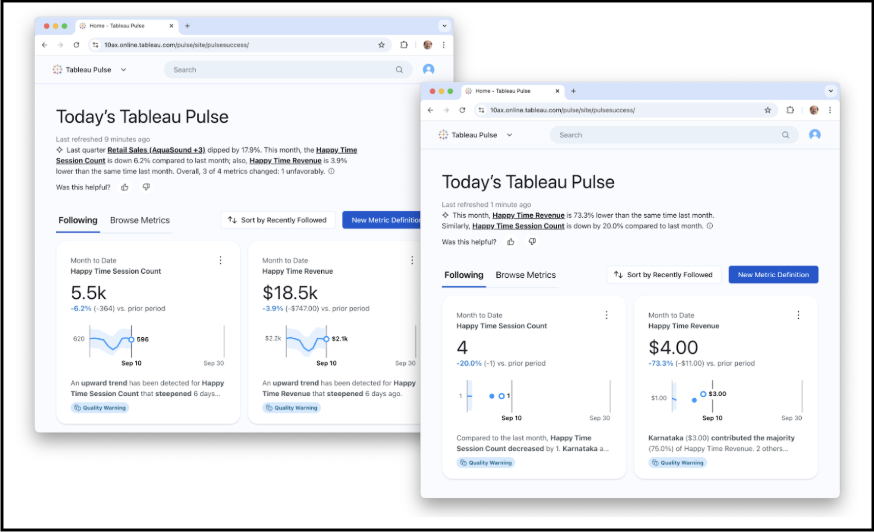
Pulse governance is available at the site and metric levels, and through row-level security.
- Pulse Governance at the Site Level
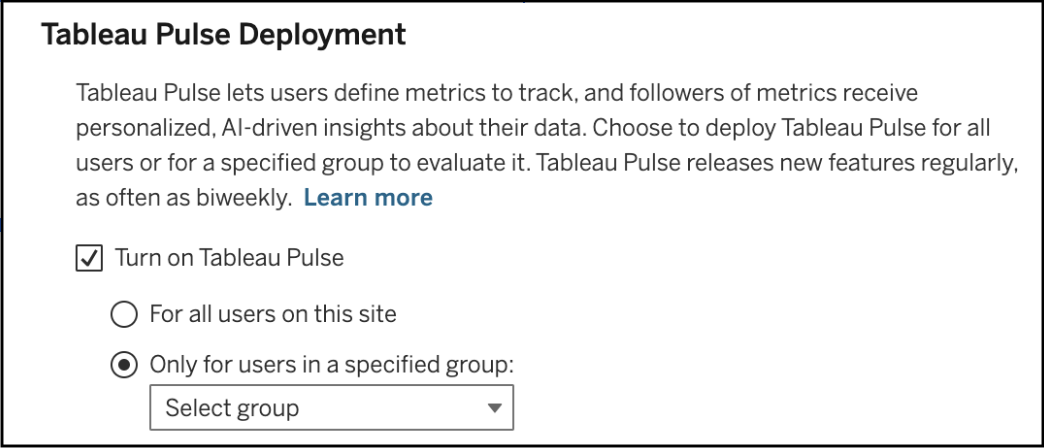
- In Tableau Settings, you can choose to turn Pulse on for all users on the site or a single group of users
- If Pulse is turned on for a single group and someone outside of that group is sent a Pulse URL, they will get a message informing them they do not have access to Pulse
- Pulse Governance at the Metric Level
- Permissions for creating metric definitions
- License Type:
- Creator
- Site Admin Explorer
- Explorer (Can Publish)
- User must have the View, Connect, and Create Metric Definitions permission capabilities for the data source
- These users can restrict who can edit/delete metric definitions they’ve created to avoid unauthorized analysts from changing the meaning of the metric definition
- License Type:
- Permissions for viewing metrics
- All license types can view metrics but the ability to see a certain metric depends on the users’ access to the data source the metric is built on
- One of the following must be true for a user
to see a metric’s data:
- The credentials for the data source are embedded.
- The user's credentials are passed to the data source with single sign-on.
- The user’s credentials are saved for the data source.
- The data source doesn't require the user to authenticate to access the data.
- Permissions for creating metric definitions
- Pulse Governance using Row Level Security
- RLS Best Practices for Data Sources and Workbooks
- Pulse inherits the permissions from the data source, but will still respect row-level security (and/or data policy, for VConns).
- If a user is blocked by RLS, but does have permissions for the data source, they would be able to see the name of the metric, but would receive a blank data when viewing metric detail.
- This also applies if a direct URL link to a metric is shared with a user that has permissions to the data source, but is blocked by RLS from the data used in the metric. The link would open and show the title of the metric, but data values would be blank.