You can search for Lightning report or dashboard folders using global search. Global
search for folders isn’t supported in the mobile version of Salesforce.
Required Editions
| Available in: Lightning Experience |
| Available in: Professional, Enterprise,
Performance, Unlimited, and Developer
Editions
|
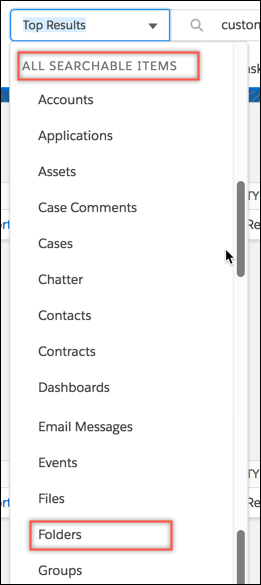
Select Folders from the ALL SEARCHABLE
ITEMS list in the global search area.
Start typing the folder name in the Global Search box to see a list of matching names to
select from, or press Return to see the matching results.
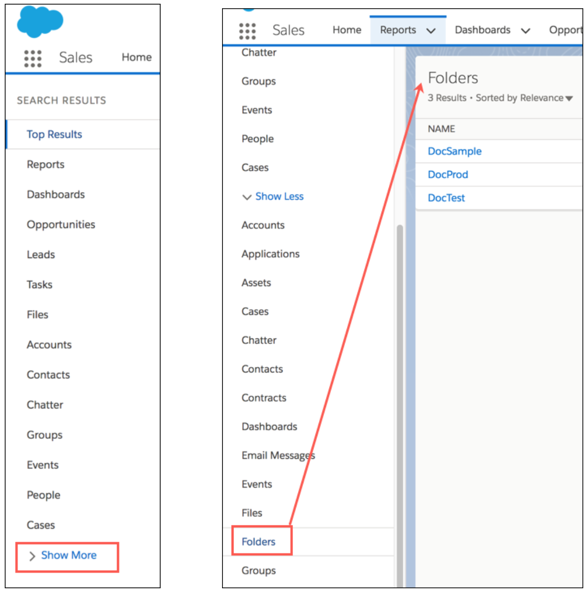
If the folder you’re looking for doesn’t appear in the search results, click Show
More on the left side of the page, and select Folders to display the
matching folders.
If the Folders object is already selected on the left side, the search options include
searching only within Folders.
