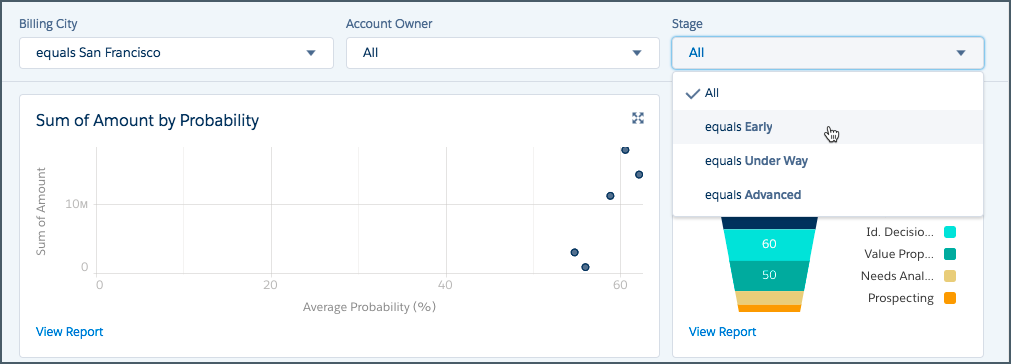
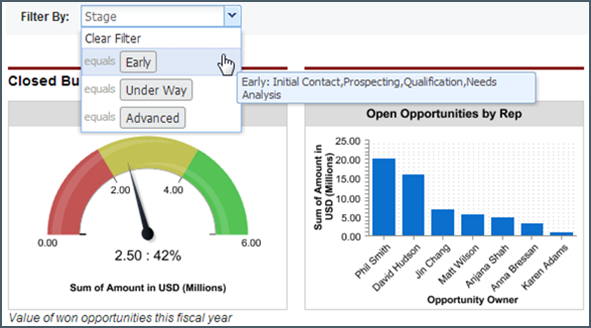
Filter a dashboard to analyze the information interactively. After you filter a dashboard, the filtered view is preserved so that the next time you see the dashboard, data is filtered in the same view.
Required Editions
| Available in: both Salesforce Classic and Lightning Experience |
| Available in: Essentials, Group (View Only), Professional, Enterprise, Performance, Unlimited, and Developer Editions |
| User Permissions Needed | |
|---|---|
| To view, refresh, and apply filters to dashboards that you created: | Run Reports |
| To view, refresh, and apply filters to dashboards in public folders: | Run Reports AND View Dashboards in Public Folders |
In Salesforce Classic, widgets are called components.

Note All widgets on the dashboard aren’t necessarily filtered on the same field. The person
who creates or edits the dashboard specifies which field to use.