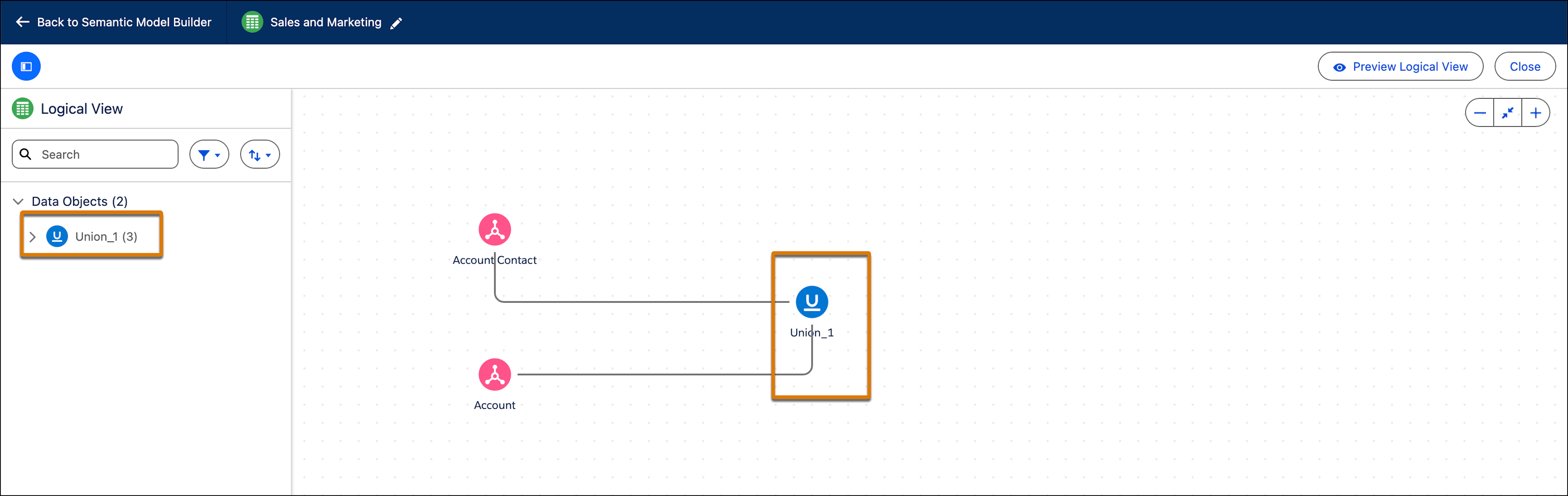
Merge datasets that share similar structures in a logical view. You can create one union per logical view. You cannot combine unions and joins.
Required Editions
| Available in: All editions supported by Data 360. See Data 360 edition availability. |
| User Permissions Needed | |
|---|---|
| To create a union: |
Permission set:
AND Semantic Models object |
- In Data Cloud, on the Semantic Layer tab, select a data model.
- Create or edit a logical view.
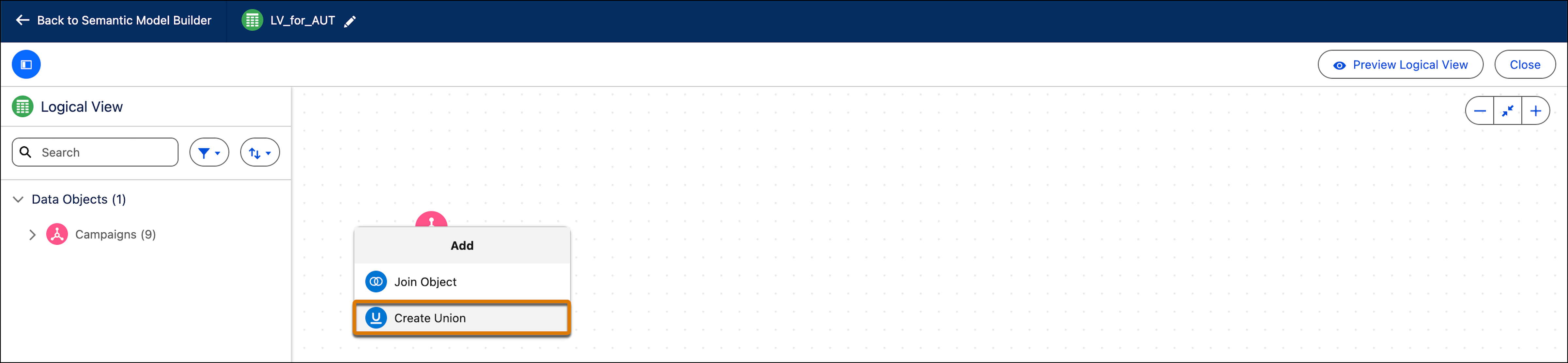
- Select the data object you want to create a union for, and then click the plus sign.
-
From the dropdown menu, select Create Union.
-
In the Select Data Object for Union window, select the objects you
want to unite. You can select up to nine objects.
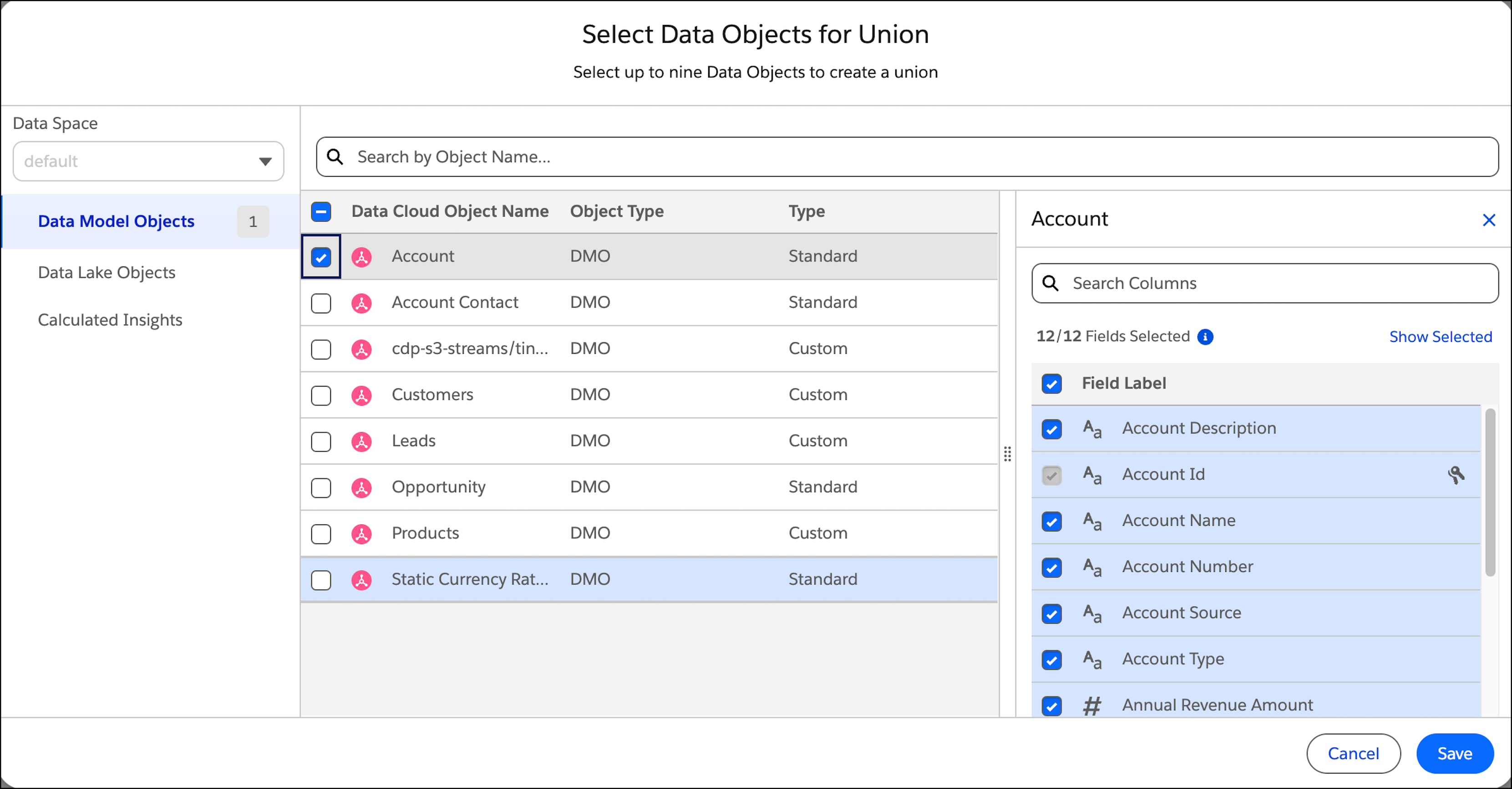 The merged fields in the union receive metadata from the first added object.
 - Select the fields (table columns) that you want to include in the union.
-
Click Save.
A preview of the selected object and fields appears.
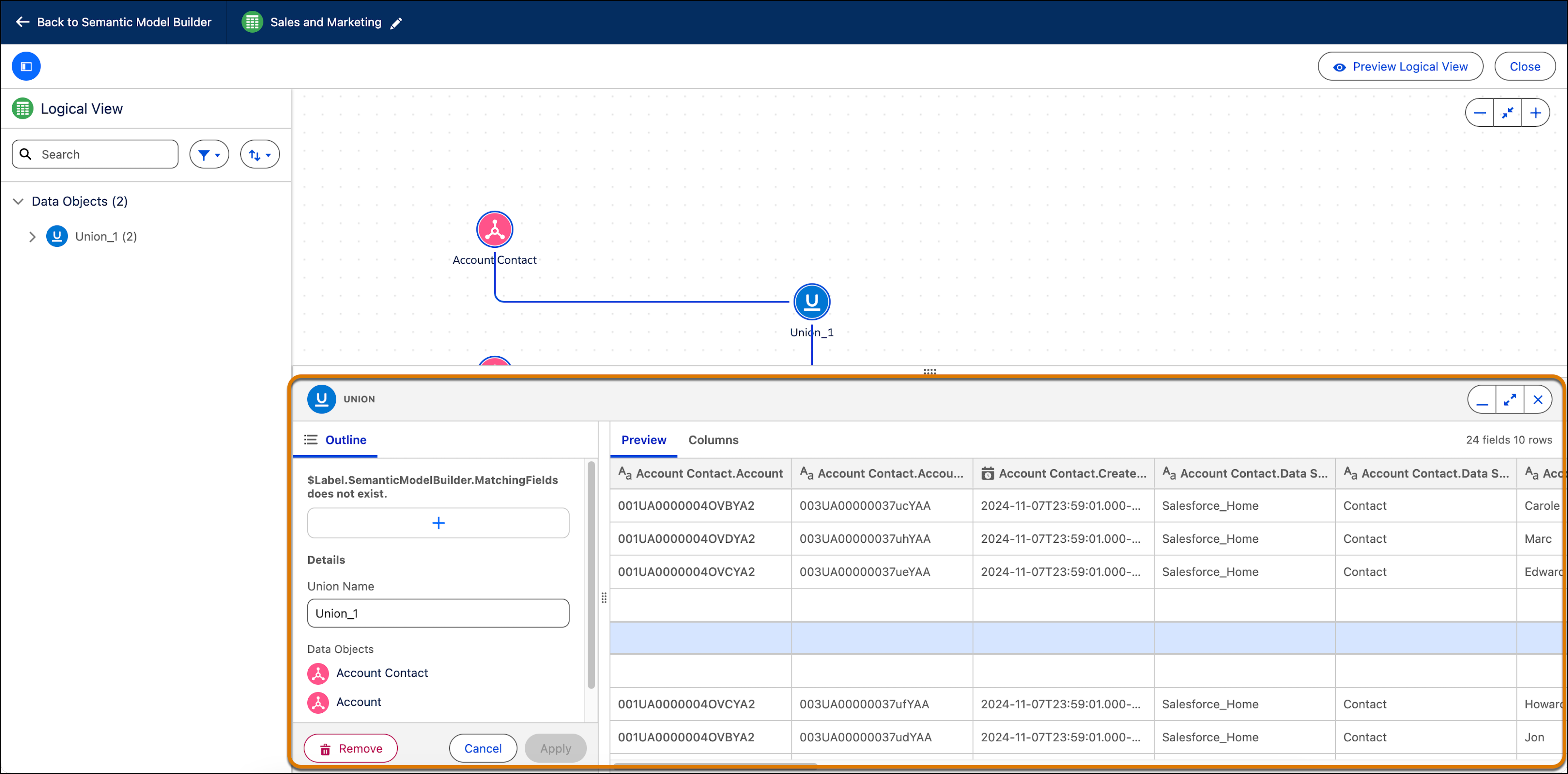
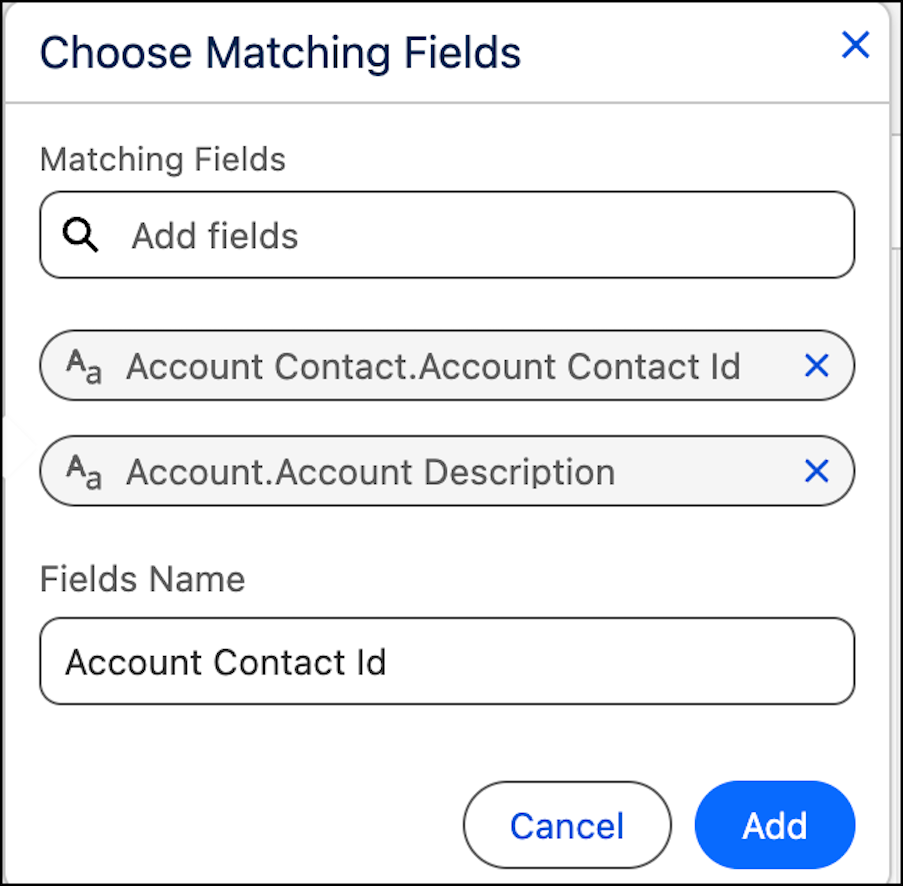
- Select matching fields. These are fields that represent the same information and can be merged into one. Click Add when done, You must match at least two fields.
-
Search for matching fields and click Add when done. You must match
at least two fields.
-
When all sets have been added, click Apply to add the new union to
the logical view. The union appears in the Semantic Model Builder Canvas.