A relationship connects different tables based on common fields. Establish
relationships between your data objects to enrich your data model without the need to define a
join type. Using a relationship to combine objects makes data preparation and analysis easier
and more intuitive. It’s recommended you use relationships to combine your data before trying
out other options.
Required Editions
| Available in: Lightning Experience |
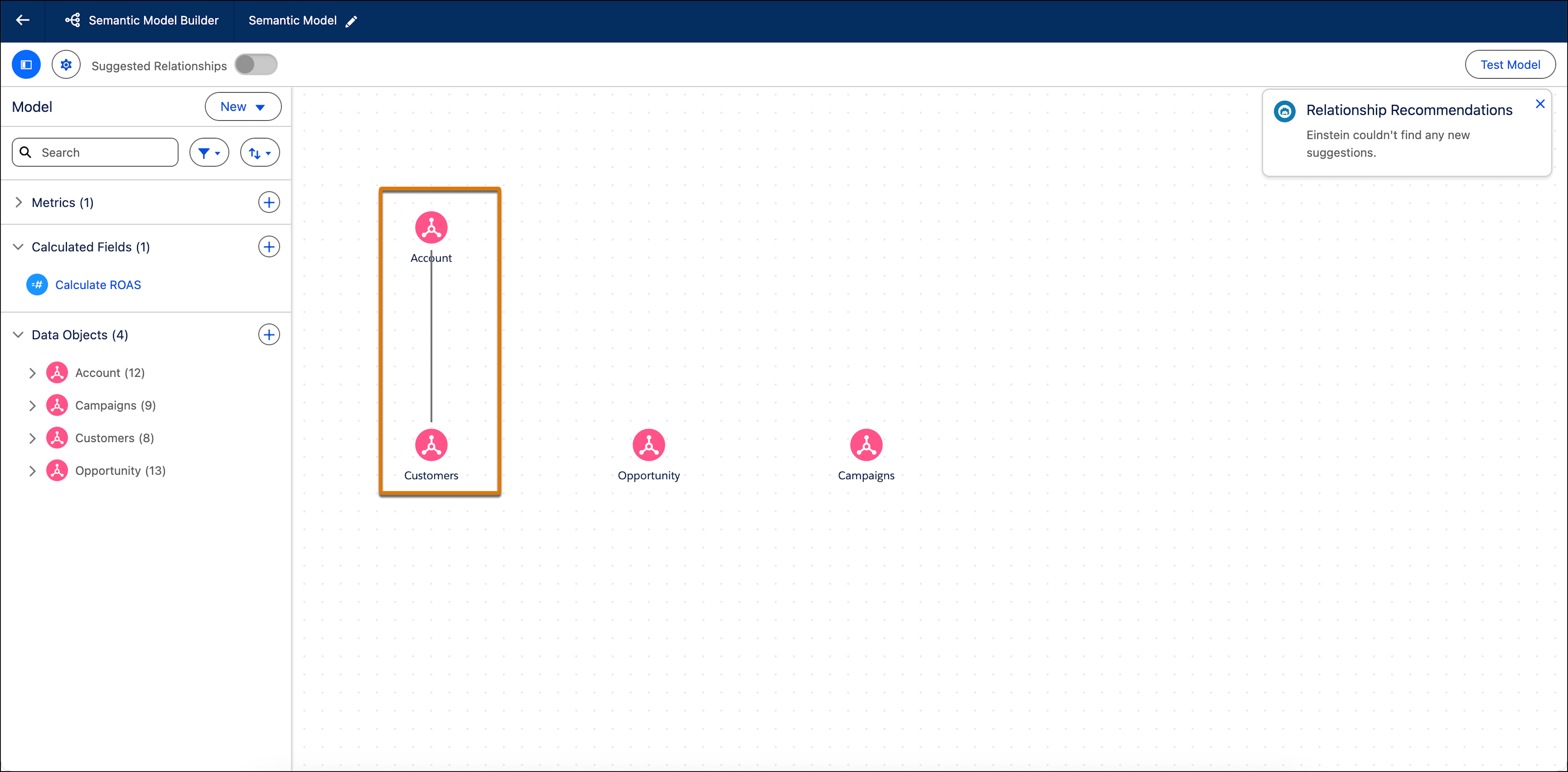
You can see all of your relationships in the Semantic Model Builder on the main Semantic
Model page. A black line shows the relationship between two data objects.
- Create a Relationship Between Data 360 Objects
You can create a relationship between any two Data 360 objects in a semantic model.
- Edit or Delete a Relationship
You can edit or delete a relationship in your semantic model.
- Create a Relationship with Suggest Relationships
You can use Artificial Intelligence (AI) to get relationship suggestions and create relationships in Tableau Semantics. Suggestions are based on semantic objects and sample data added to your model.
- Cardinality in Tableau Semantics
Define how objects in your Semantic Layer relate to each other to ensure accurate results and faster queries. By setting cardinality, you tell Tableau Semantics how records from one object connect to records in another, helping the system optimize joins, reduce duplicate data, and improve the reliability of your metrics.

