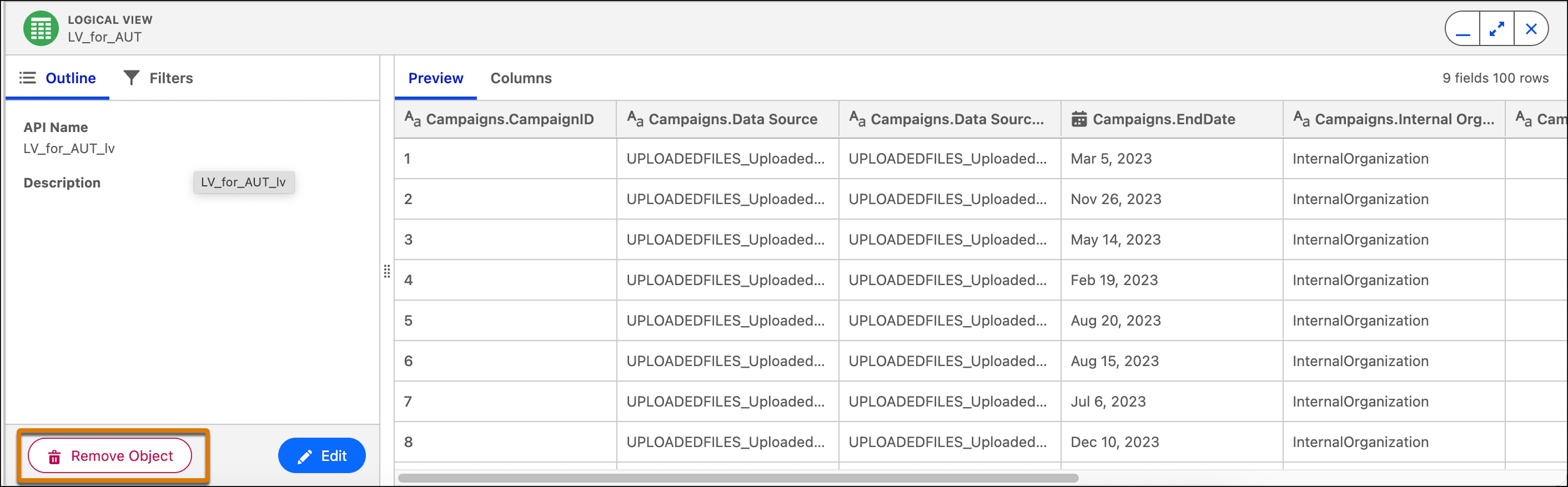
You can remove an object from the logical view if no fields are in a relationship or if
the object is not connected via a join. Removing the object removes any joins between this object
and other objects in the logical view.
Required Editions
| User Permissions Needed |
| To remove an object from a logical view: |
Permission set:
AND
Semantic Models object
|
-
In Data Cloud, on the Semantic Layer tab, select a data model.
-
On the Model tab, expand Logical Views.
-
Edit a logical view.
-
Click on the object you want to remove and from the bottom panel, click Remove
Object.