
With Tableau Semantics, you can use the Semantic Model Builder in Data 360 or Tableau Next to build and make changes to your semantic model.

Note
You can't use multiple Semantic Models within a single visualization. To view or compare insights from different semantic models, place separate visualizations (each built on a different Semantic Model) on the same dashboard; they can filter each other even though they can't share one model.
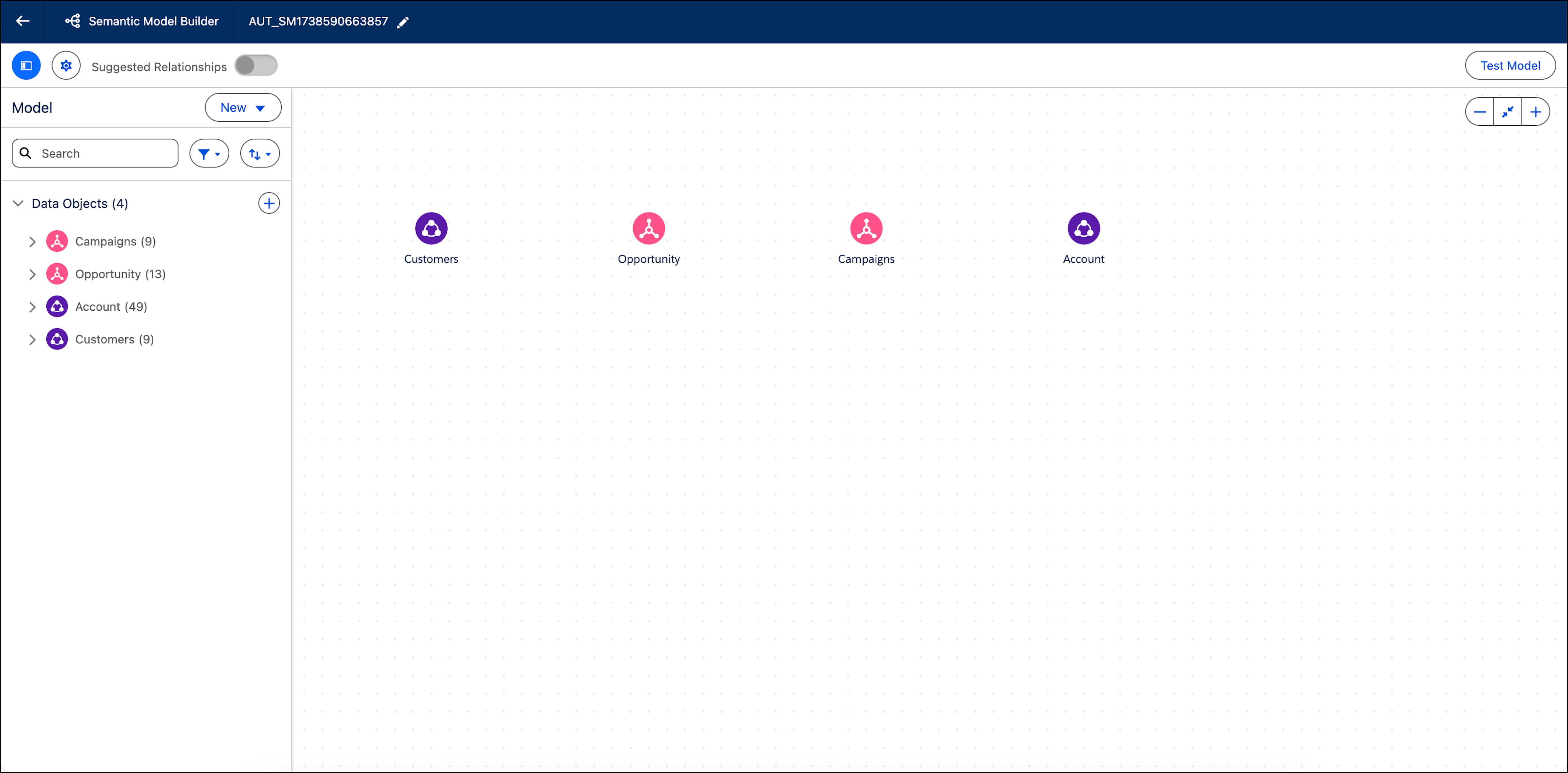
- Manage Data Objects in Tableau Semantics
A data object includes attributes and fields. You can add, edit, and delete a semantic model’s data objects. - Create Relationships within a Semantic Model in Tableau Next
You can use Artificial Intelligence (AI) to get relationship suggestions and create relationships in Tableau Semantics. Suggestions are based on semantic objects and sample data added to your model. - Semantic Model Builder: Smart Canvas
When large semantic models become difficult to navigate, the enhanced canvas in the Semantic Model Builder simplifies authoring and navigation. An infinite canvas, smart auto-layout, non-crossing relationship lines, domain-based grouping, focus mode, and independent extended-model positioning work together to make enterprise-scale Customer 360 models clear and traceable. - Using Tableau Agent: Semantic Modeling in Tableau Semantics (Beta)
Tableau Agent suggests a refinement or applies the change you describe to an open semantic model. Those edits stay unsaved until you save or discard them.