
You can delete a calculated field from your semantic model.
Required Editions
| Available in: All editions supported by Data 360. See Data 360 edition availability. |
| User Permissions Needed | |
|---|---|
| To delete a field: |
Permission set:
AND Semantic Models object |
- In Data Cloud, on the Semantic Layer tab, select a data model.
- Select the calculated field that you’re deleting.
-
From Options, select Remove.
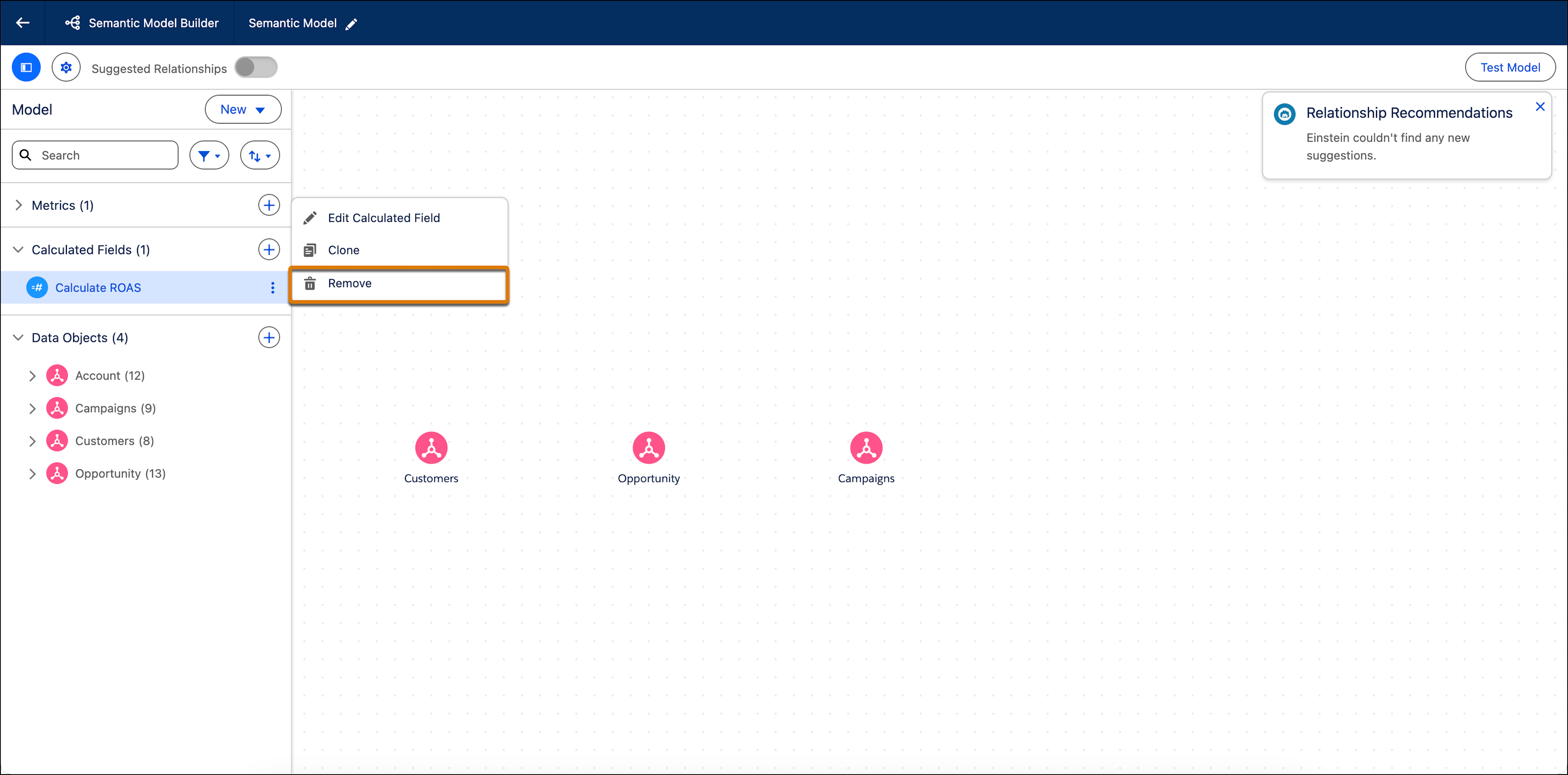
- To confirm the deletion, click Delete.