
The number of reports you can trend is limited. To remain under the limit so you can trend other reports, stop trending reports that are no longer needed.
Required Editions
| User Permissions Needed | |
|---|---|
| To trend reports in CRM Analytics: |
Use CRM Analytics OR Use CRM Analytics Templated Apps AND Trend Report Data in CRM Analytics |
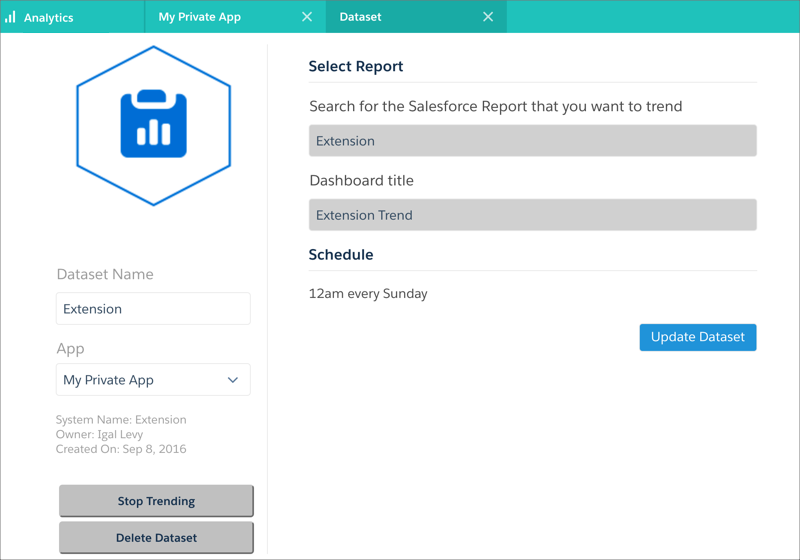
To stop trending from CRM Analytics, open the trending dataset by choosing to edit it, then click Stop Trending.
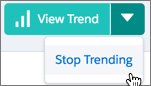
To stop trending from Lightning Experience, go to the trending report and open the menu next to View Trend and choose Stop Trending.
To stop trending from classic Salesforce, go to the trending report and click View Trend on the report to open a dialog, then click Stop Trending.

Note If you stop trending, you cannot restart where the trending left off (there is no pause
button). Trending the same report again creates a new dataset and a new trending
dashboard.