
When you look at data in an exploratory mode, you do so in a lens. A lens has several aspects: it’s how you view data in a dataset, it’s the place where you explore the data graphically, and it’s the basis for building any dashboard.
-
You can continue exploring data in a saved lens or start exploring data in a new lens.
-
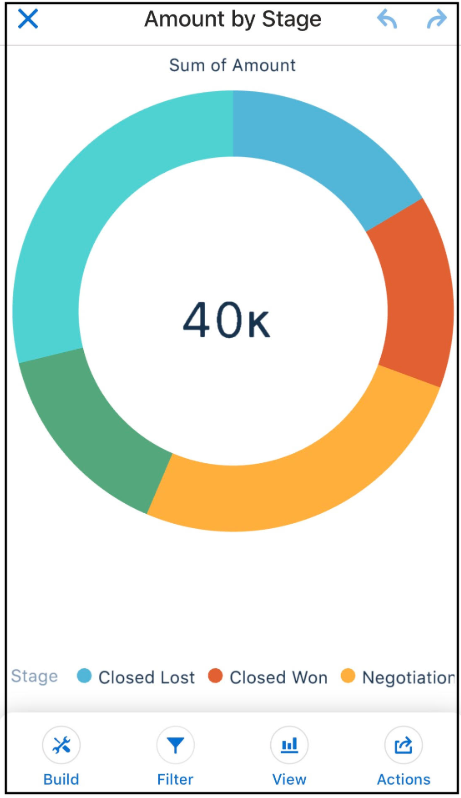
To continue exploring data in a saved lens, tap Lenses, and then select a lens.
The lens opens and shows data that might have applied measures, groupings, filters, and chart types.
-
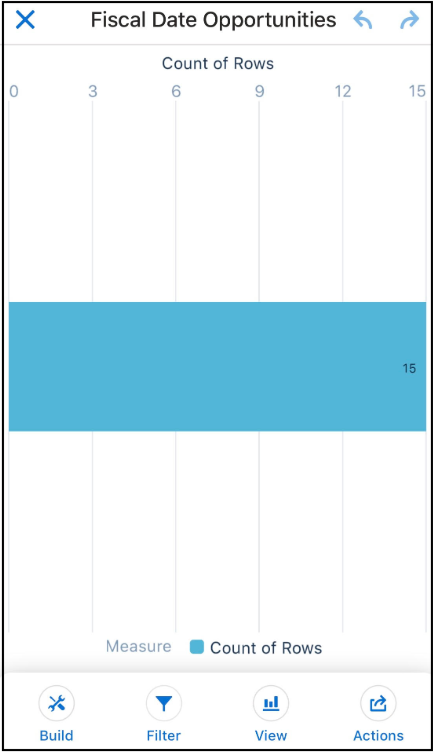
To start exploring data in a new lens, tap Datasets, and then
select a dataset.
A new lens opens and shows the dataset’s total count of rows.
-
To continue exploring data in a saved lens, tap Lenses, and then select a lens.
-
Explore by tapping
 Build and adding measures and groupings.
- Group Your Data into Categories
Group data to organize it so that the data is displayed in useful categories. - Change Measures
Your choice of measure defines your entire visualization and determines the overall scope of your exploration. - Change the Sort Order
Choose whether data in your chart visualization is sorted ascending, sorted descending, or unsorted. - Change the Chart Type
Switch between chart types to see which visualization options tell the most compelling story for your data.