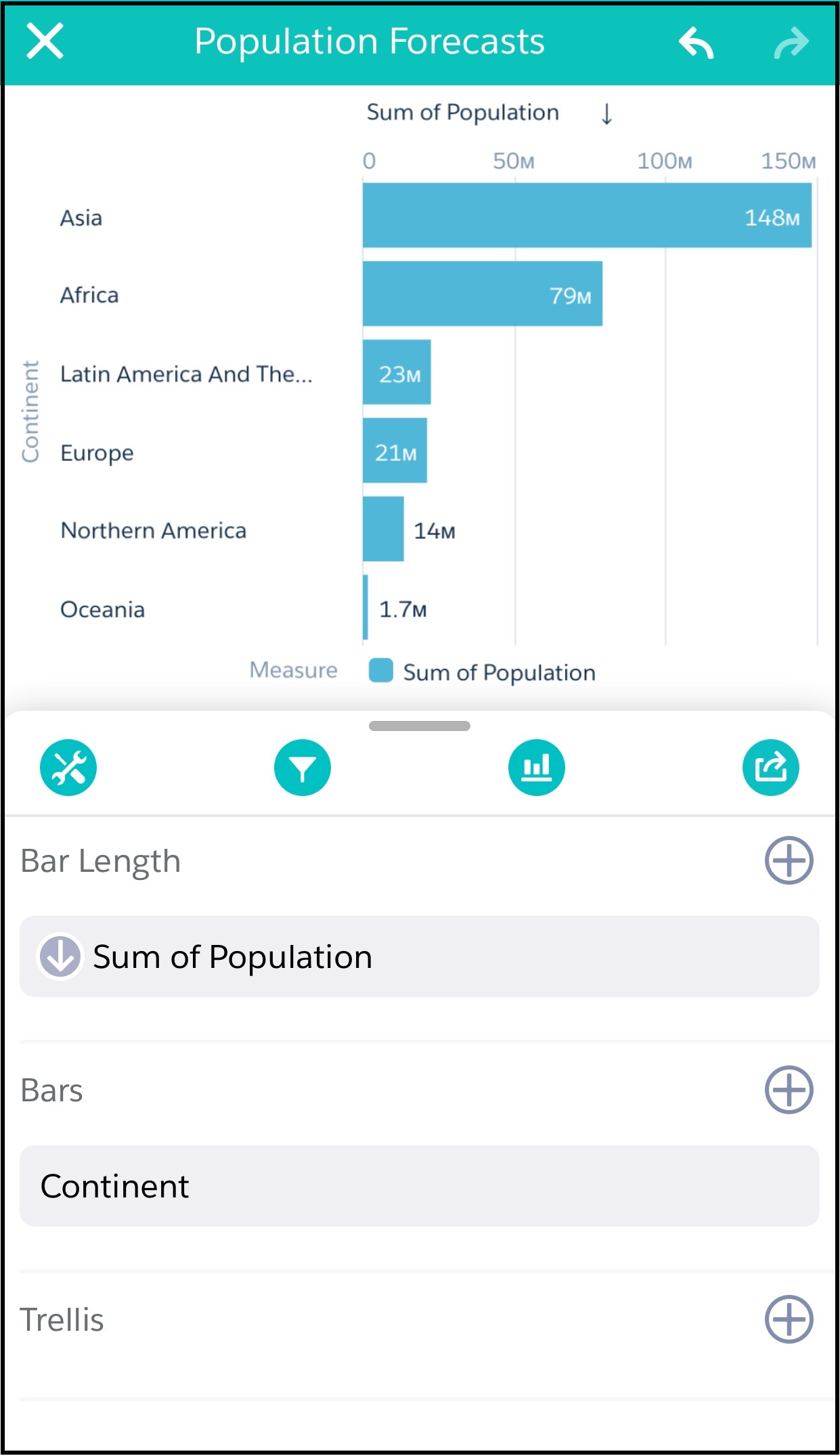
Choose whether data in your chart visualization is sorted ascending, sorted descending, or unsorted. While viewing data in a lens, tap Build. From left of the measure you want to sort by, sort Ascending, Descending, or Off.
Choose whether data in your chart visualization is sorted ascending, sorted descending, or unsorted. While viewing data in a lens, tap Build. From left of the measure you want to sort by, sort Ascending, Descending, or Off.