Add your dashboard to a Lightning page, along with other relevant components, so your users can access it from outside the Salesforce record context.
To add a dashboard to a Lightning page, first create a dashboard layout that’s optimized for your device. To learn more about layouts, see Generate Unique CRM Analytics Dashboard Layouts for Different Devices.
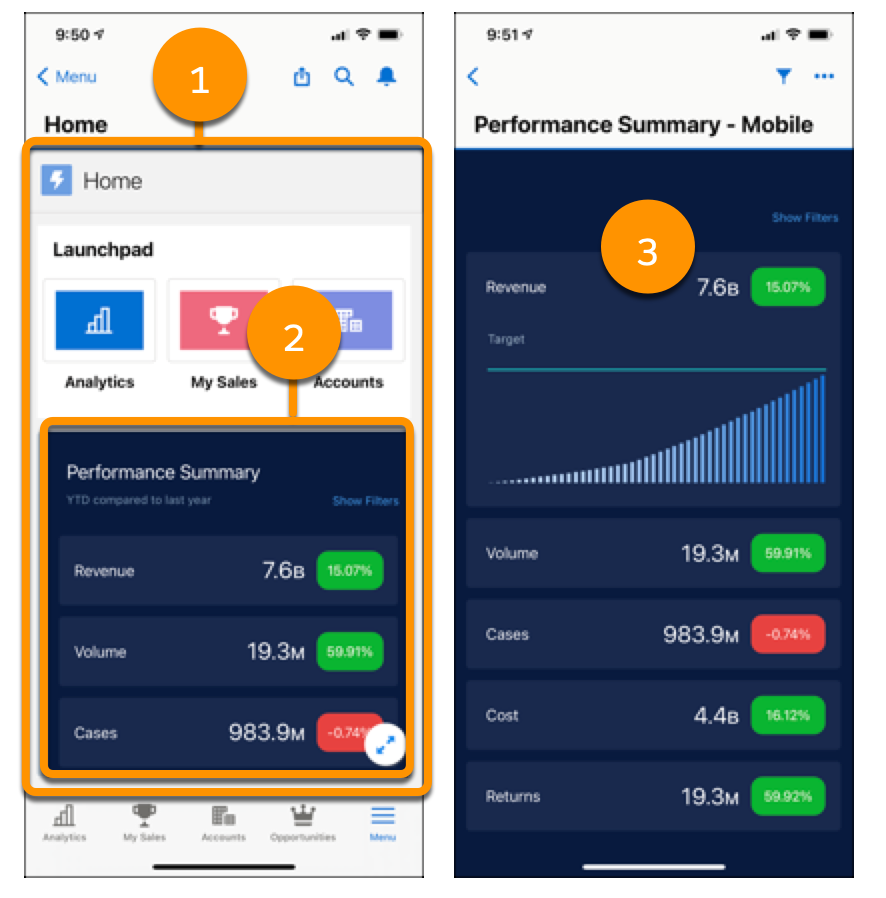
When you add a dashboard to a Lightning page (1), users tap on the dashboard (2) to open it. When the dashboard opens (3), users can interact. To learn more, see Lightning Pages.