
In CRM Analytics, create a column in a Data Prep recipe that displays the current date and time in a specified format.
Required Editions
Now
| User Permissions Needed | |
|---|---|
| To create a recipe: | Edit CRM Analytics Dataflows OR Edit Dataset Recipes |
This transformation works without interacting with any other columns.
- In a Transform node of a Data Prep recipe, select the Formula button (
 ) in the Transform toolbar.
 - Select Now.
- Select the date format.
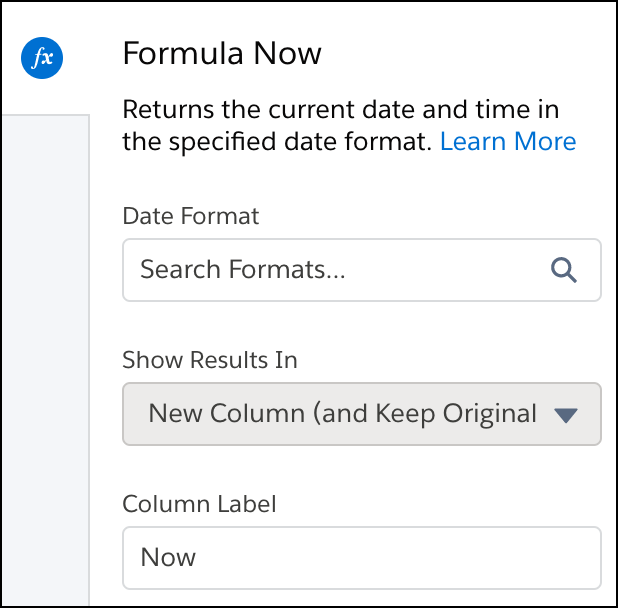
- Optionally, change the label of the column that stores the Now data in the Column Label field.
- Click Apply to add the transformation to the Transform
node.
The Preview tab shows the new Now column.

- To view the Graph area, click the Collapse button (
 ).
). - Save the recipe.
The Now option uses the date and time when the recipe last ran, based on UTC timezone.