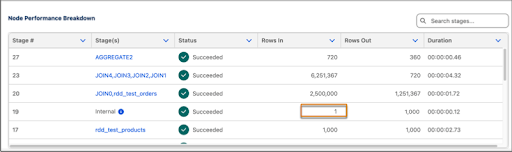
The CRM Analytics recipe inspector details provide information about the complexity of runtime processing. The following are common scenarios seen in the recipe inspector and what they mean.
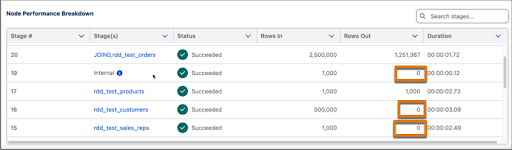
0 Rows Out
0 Rows Out during recipe execution occurs for various reasons. One common reason is because the recipe performs the data load from a previous stage or source and operations “in place.” Therefore, the stage records no output rows. These “in place” transformations are necessary to perform the next steps.
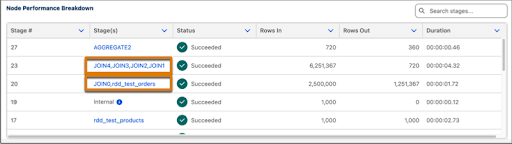
Multiple Recipe Nodes in One Stage
The stage name value may show one node name or a comma-delimited list of node names. When a list of node names is present, it represents the recipe nodes that ran together for optimization purposes.
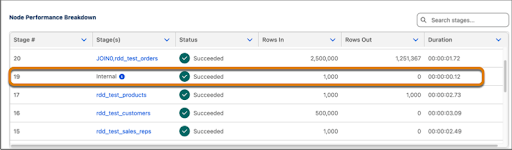
Internal Stages
Internal stages represent data prep work done before actual executions, such as joins or aggregations. They run separately and can have time costs associated with them.
Cached Reads
If the input dataset is a staged dataset, recipe execution treats the read of one entire dataset as one row. Caching staged datasets optimizes performance. The node reports one row in because reporting the correct row count requires additional performance overhead. The counts for the rows out are usually accurate.