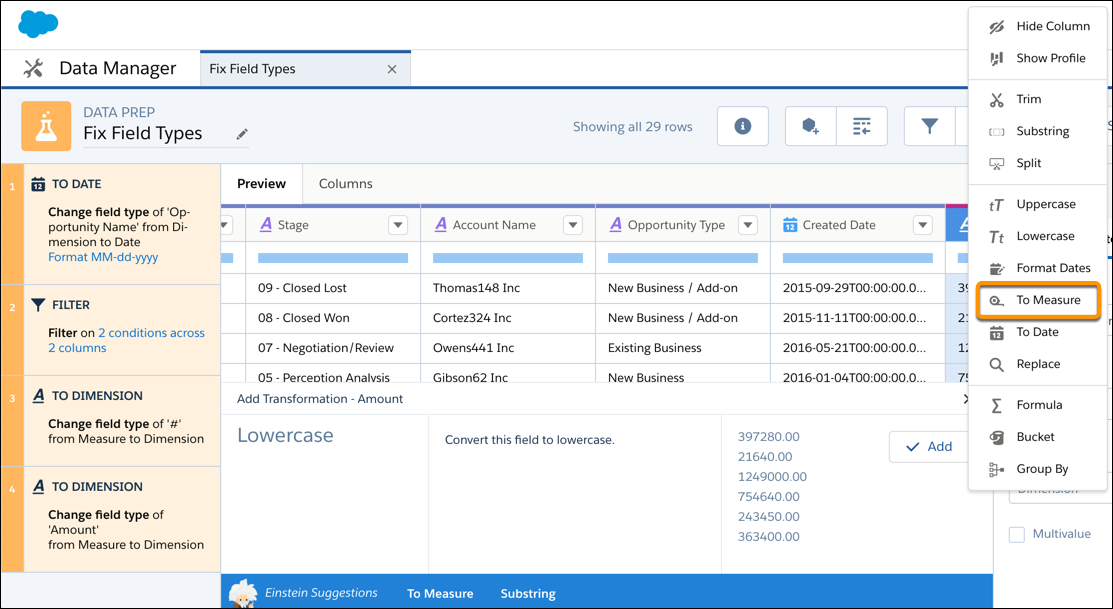
When you load data into a dataset, CRM Analytics tags a measure field as a dimension if
it contains unexpected strings or characters. To use measure functionality, such as calculating
the average, use the To Measure transformation to change the dimension field type to
measure.
Required Editions
| User Permissions Needed |
| To create a recipe: |
Edit Analytics Dataflows OR Edit Dataset Recipes |
During the column type conversion, the Dimension to Measure transformation rounds decimals to
the nearest whole number. For example, 300.2939 becomes 300.
- On the column header of the dimension field, click
 , and then select To Measure.
- Click Add and save the recipe.
Run the recipe to create a new field with the measure field type.