Improve the performance of recipes run after a local Salesforce object sync by choosing
to optimize the synced data. Optimization is available for full, periodic full, and incremental
syncs.
Required Editions
| Available in Salesforce Lightning Experience. |
| Available with CRM Analytics, which is available for an extra cost in
Enterprise, Performance, and Unlimited Editions. Also available in
Developer Edition.
|
-
In Data Manager, go to the Connections tab.
-
Under SFDC_LOCAL, click the object that you want to optimize data syncs for.
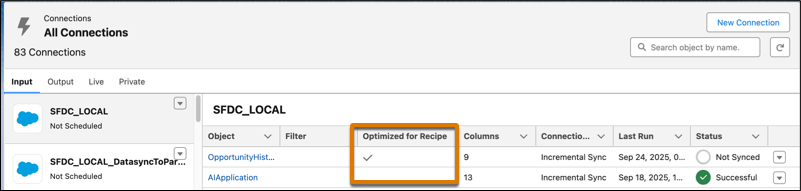
Objects that have optimized syncs
enabled are noted in the Optimized for Recipe column.
-
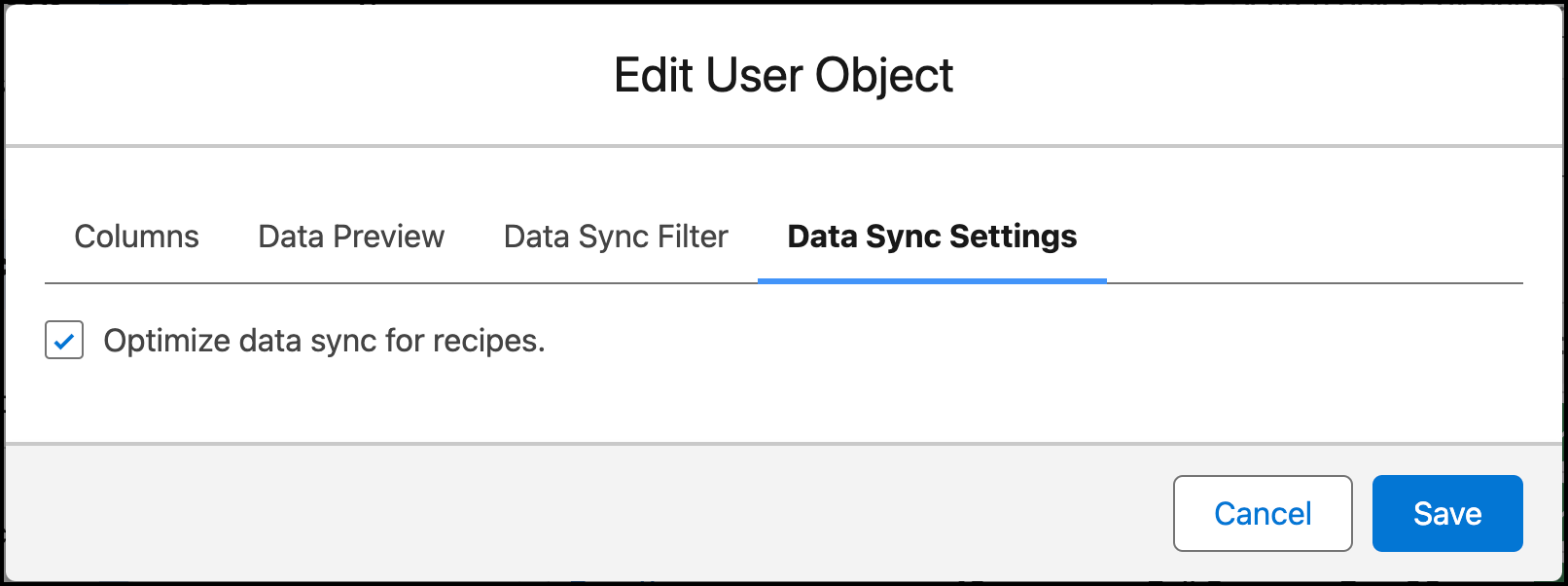
On the Data Sync Settings tab, select Optimize data sync for future
runs and save.