Create collections of important items to personalize the home page and have quick access
to them.
Required Editions
| Available in: Lightning Experience |
| Available in: Essentials, Group, Enterprise, Professional,
Unlimited, and Developer Editions.
|
| Also available with CRM Analytics, which is available for an extra cost in
Performance, Enterprise, Unlimited, and Developer
Editions.
|
| User Permissions Needed |
| To create a collection: |
- Enhanced Folder Sharing
- Run Reports AND Create and Customize Dashboards
|
| To create a collection with CRM Analytics items: |
Use CRM Analytics |
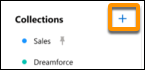
- Click the + on the left of the home page.
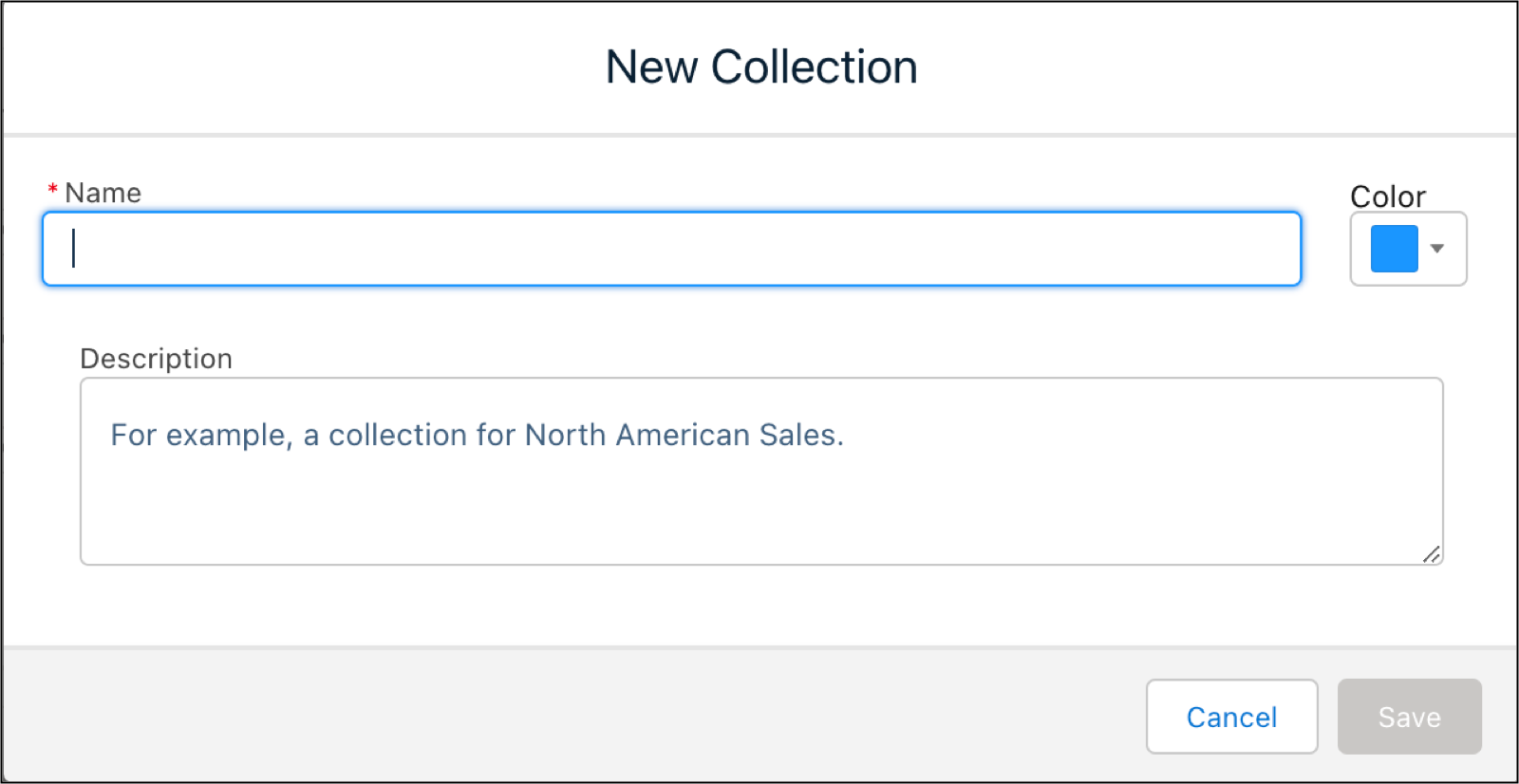
- Type in a name for the collection in the Name field.
- Type in a description in the Description field.
- Click the Color dropdown menu to color code your collection for
display on the home page.
- Click Save. Click Cancel to start over.

 Note Each user can create up to 100 collections. You can access additional collections by others sharing their collections with you.