Interested in reviewing just the top 10 accounts in your product pipeline—without
excessive scrolling? To fast-track to meaningful insights and for improved performance on your
dashboards, you can limit the size of query results in a lens.
Required Editions
| Available in Salesforce Classic and Lightning Experience. |
| Available with CRM Analytics, which is available for an extra cost in
Enterprise, Performance, and Unlimited Editions. Also available in
Developer Edition.
|
| User Permissions Needed |
| |
Use CRM Analytics |
-
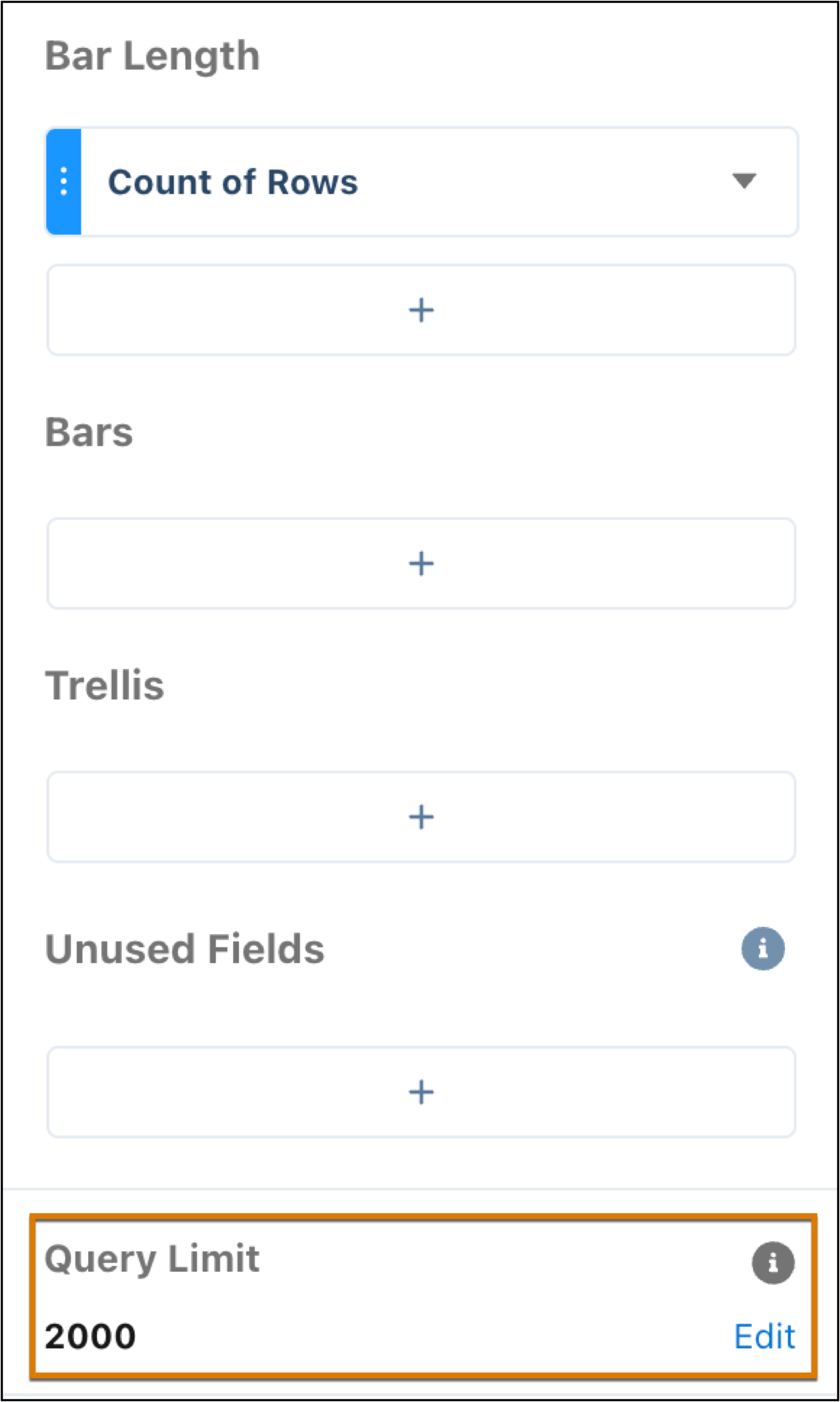
To set the limit for your query, click the Edit link.
- Enter the size of the query result and click Apply.
If you edit your query in SAQL, you also need to set the query limit in SAQL.