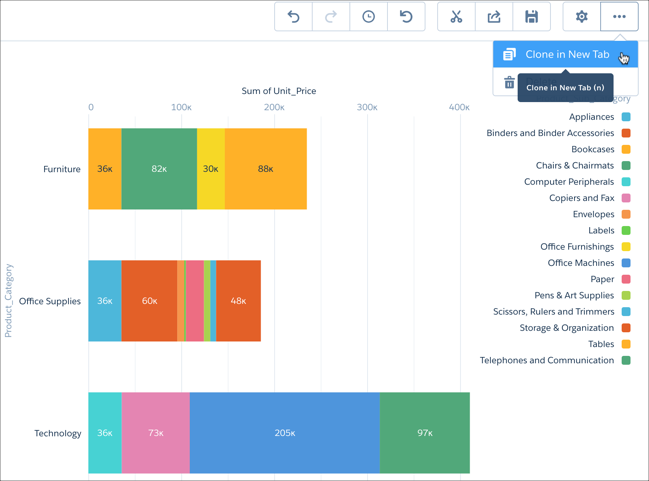
Build upon a visualization by cloning its containing lens to a new tab where you can continue exploring. You can save the original in its own tab.
Required Editions
| Available in Salesforce Classic and Lightning Experience. |
| Available with CRM Analytics, which is available for an extra cost in
Enterprise, Performance, and Unlimited Editions. Also available in
Developer Edition.
|
| User Permissions
Needed |
| To view visualizations: |
Use CRM Analytics |
-
Click an existing CRM Analytics lens to open it.
If you're using a new, unsaved lens, you must save it before it can be cloned.
-
Select Clone in a New Tab from the More menu.
A new, unsaved copy of the cloned lens opens in a new tab.