
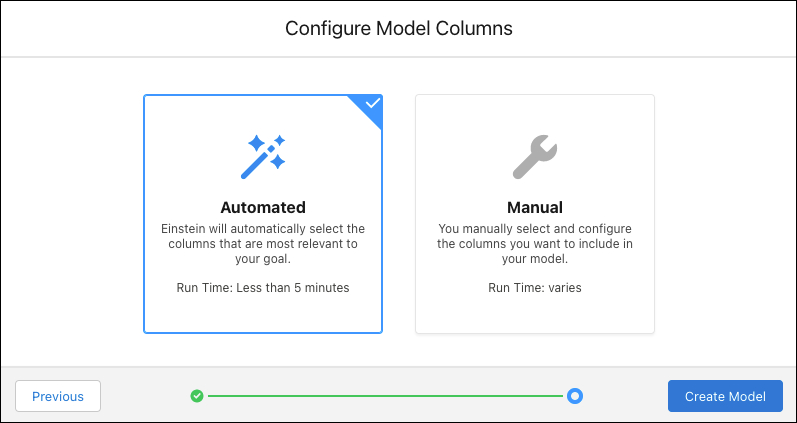
Choose how you want to select the fields in your dataset to analyze. Einstein can select the fields for you automatically, or you can select and configure them manually.

Note Einstein Discovery stories are now models. We wish we could snap our fingers to update
the name everywhere, but you can expect to see the previous name in a few places until we
replace it.
-
Select one of the following options:
Option Description Automated Einstein Discovery searches your dataset and automatically selects the columns that are best associated with your model’s outcome. After your model is created, you can manually change column selections (see Edit Model Settings). Manual Allows you to manually select the fields to use in your model. Note Einstein shows how much time it takes to create the model. The estimated time for the automated option appears on this screen. The estimated time for the manual option appears on the next screen. -
Do one of the following:
- If you chose Automated, click Create Model.
- If you chose Manual, click Next.