
Einstein Discovery allows you to provide trending data for numeric variables that factor into your predictions to make them more accurate. For example, you predict opportunity win/loss based on expected price fluctuations for raw materials. To factor price into your predicted outcome, use the Projected Predictions transformation and provide a dataset that projects the expected price for raw materials on the close date.

Note Einstein Discovery stories are now models. We wish we could snap our fingers to update
the name everywhere, but you can expect to see the previous name in a few places until we
replace it.
| User Permissions Needed | |
|---|---|
| To configure number fields in a model: | Create and Update Einstein Discovery Models |
- In Model Setup, select a number variable, and click the Settings tab in the right panel.
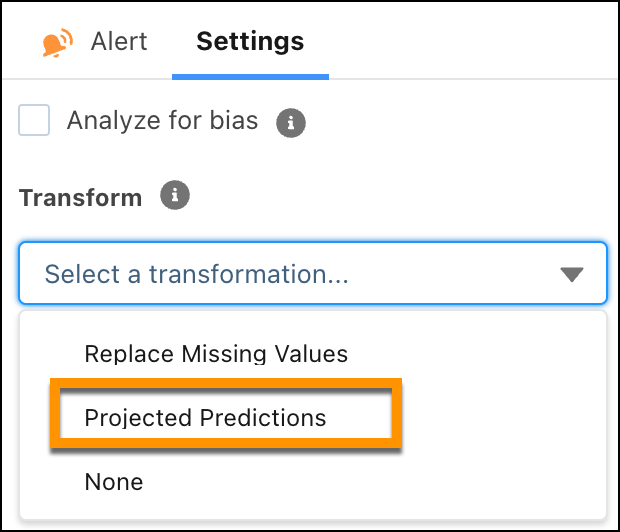
- Click the Transform dropdown menu and select Projected Predictions.
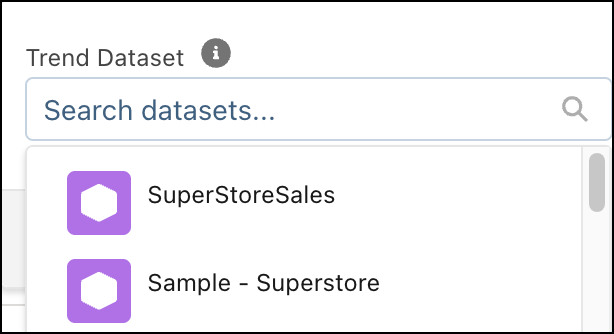
- Select the dataset that contains the trend data.
- Configure the projected prediction settings.
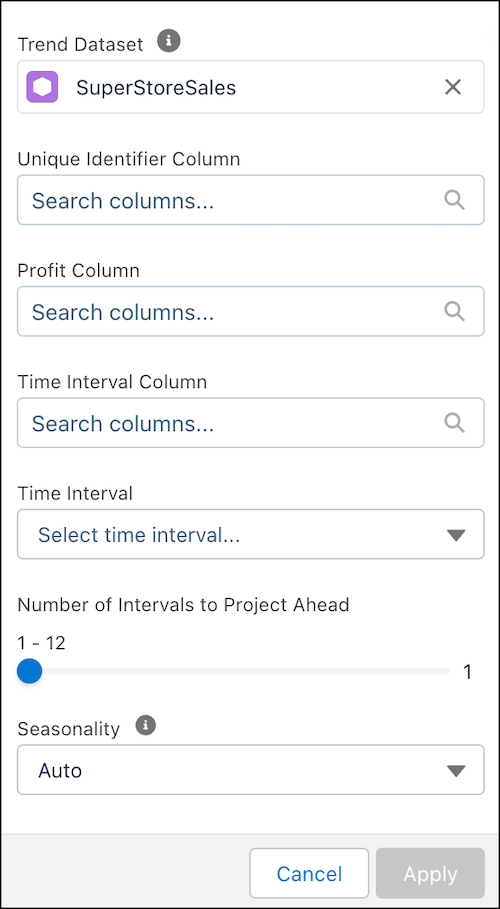
Setting Description Unique Identifier Column Select the unique identifier column in the trend dataset. Variable Column Select the column in the trend dataset that maps to the selected variable in the model. Time Interval Column Select the column in the trend dataset that represents the time interval. Time Interval Select the time interval. Number of Intervals to Project Ahead Select the number of time intervals to project ahead. Seasonality Select the seasonality: Auto (default), None, or a number.