Fuzzy matching adds uniformity to spelling variations in variables, resulting in smarter
categorizations and better predictions. Einstein Discovery transforms the data at prediction time,
enabling you to skip cleansing during data prep.
Required Editions
| Available in Salesforce Classic and Lightning Experience. |
| Available with CRM Analytics, which is available for an extra cost in
Enterprise, Performance, and Unlimited Editions. Also available in
Developer Edition.
|
| User Permissions
Needed |
| To configure text fields in a model: |
Create and Update Einstein Discovery Models |
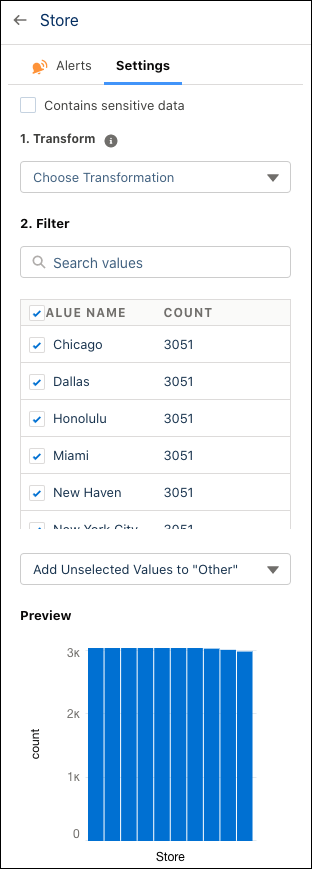
- In Model Setup, select a variable that contains spelling variations, click the
Settings tab in the right panel, and preview variable contents.
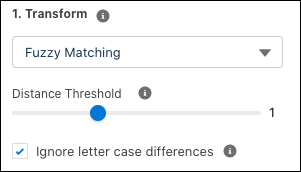
- Click Fuzzy Matching in the Transform
dropdown menu.
- Einstein Discovery applies the Levenshtein distance algorithm for
Distance Threshold, which is set to 1 by default. Use the lever to
specify how values are to be clustered.
- Specify if fuzzy matching can ignore case in the variable by clicking Ignore
letter case differences.
- Click Edit Buckets to review results. Adjust a bucket name by
selecting it then clicking the pencil.
- Click Done.