
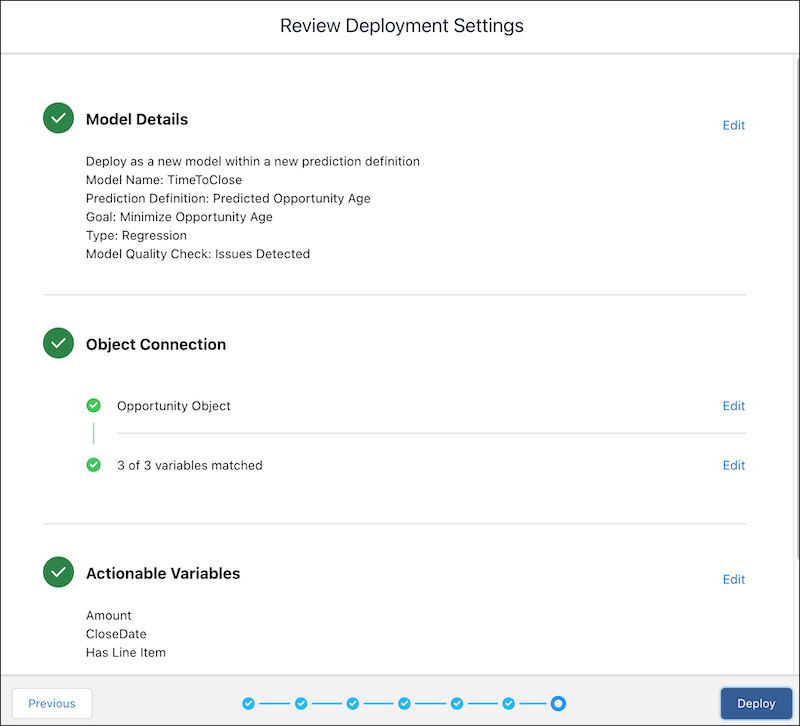
Review your deployment settings before deploying the model.
-
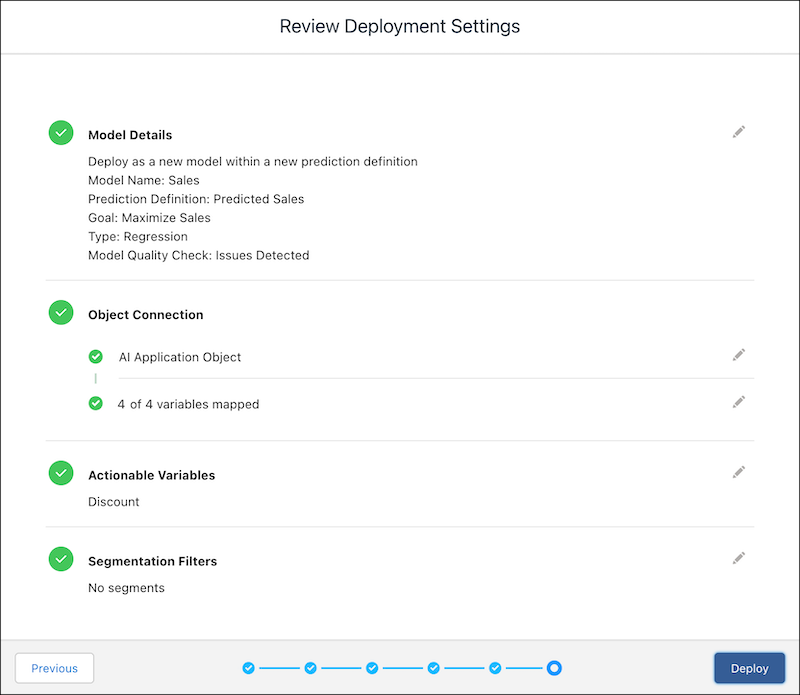
Verify your selections.
If you want to change anything, click Edit to return to a previous screen and change the selection.
-
Click Deploy. Einstein deploys this model and, if successful,
displays the model in Model Manager.
After a model is deployed, you can: